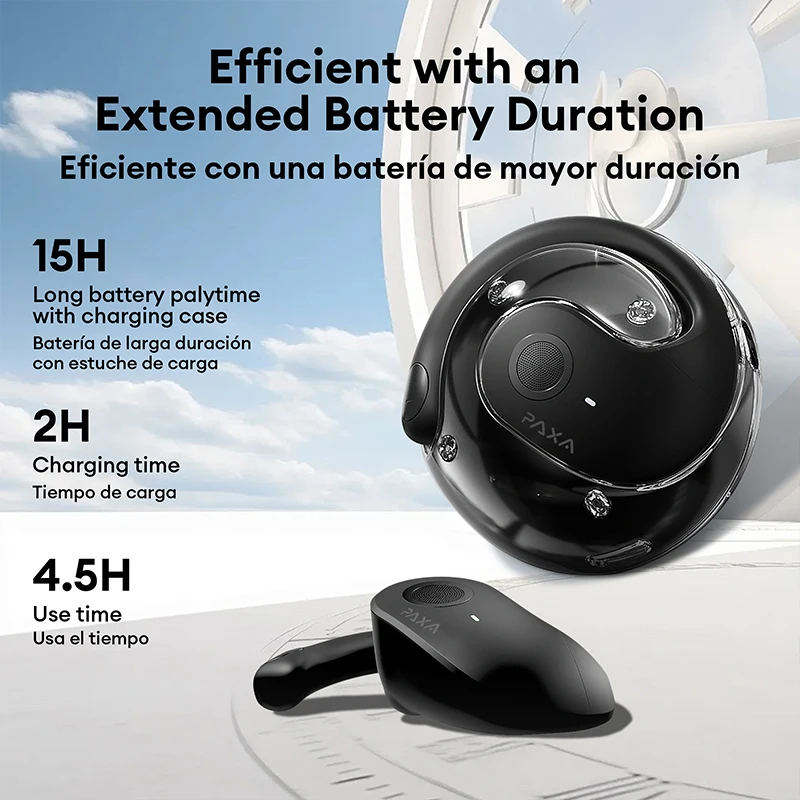
Support multilingual communication transcription anytime and anywhere, with AI recording and professional transcription functions for multiple languages. Adopting DT6.0 directional sound transmission technology, it has high-resolution sound quality and a battery life of up to 24 hours.
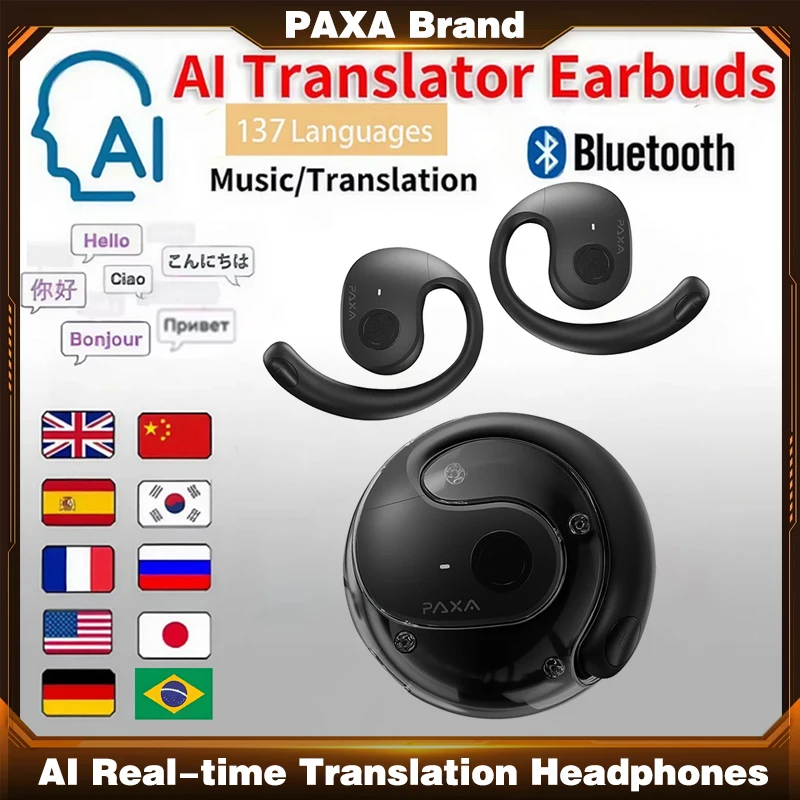
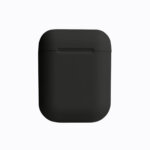
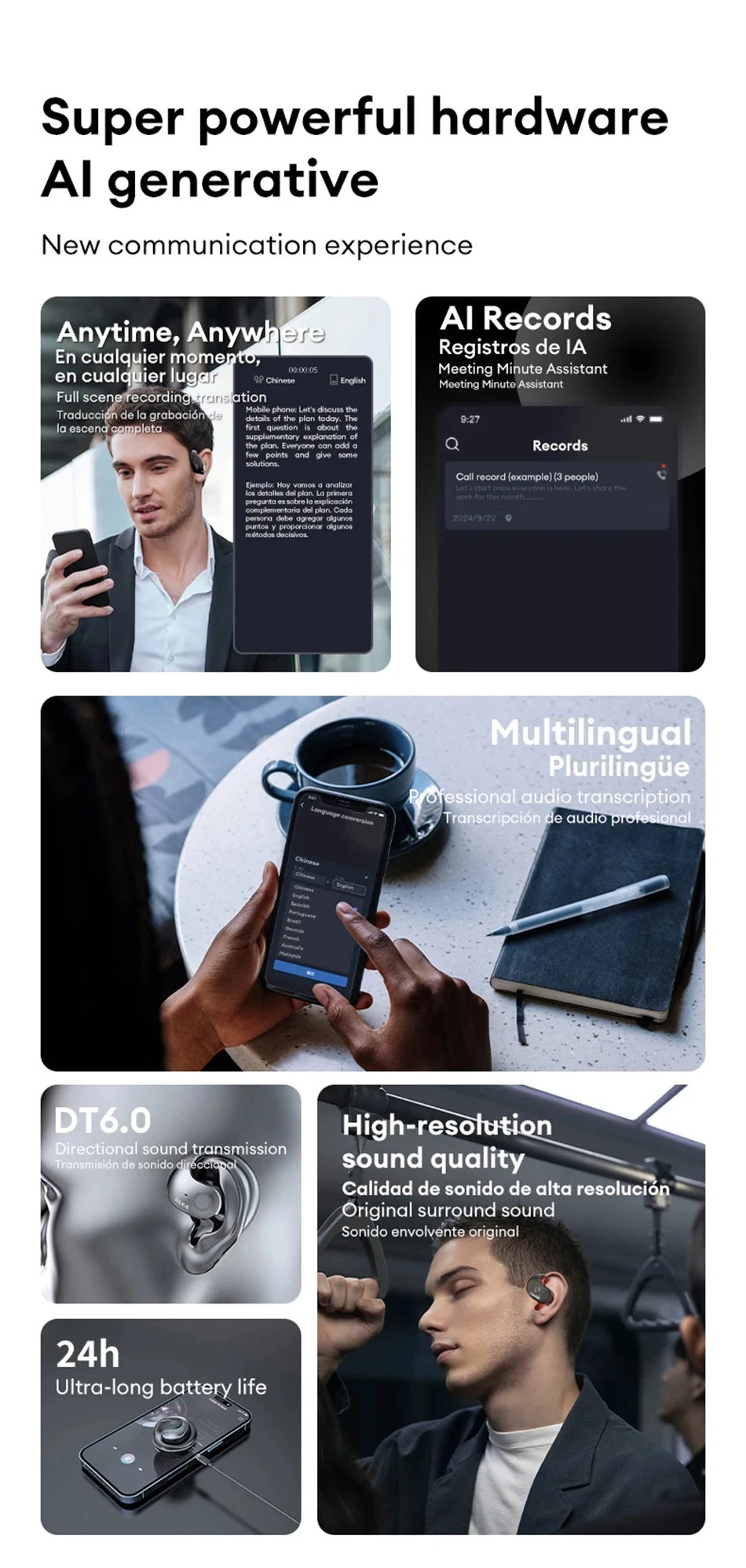 PAXA brand's AI intelligent earphones
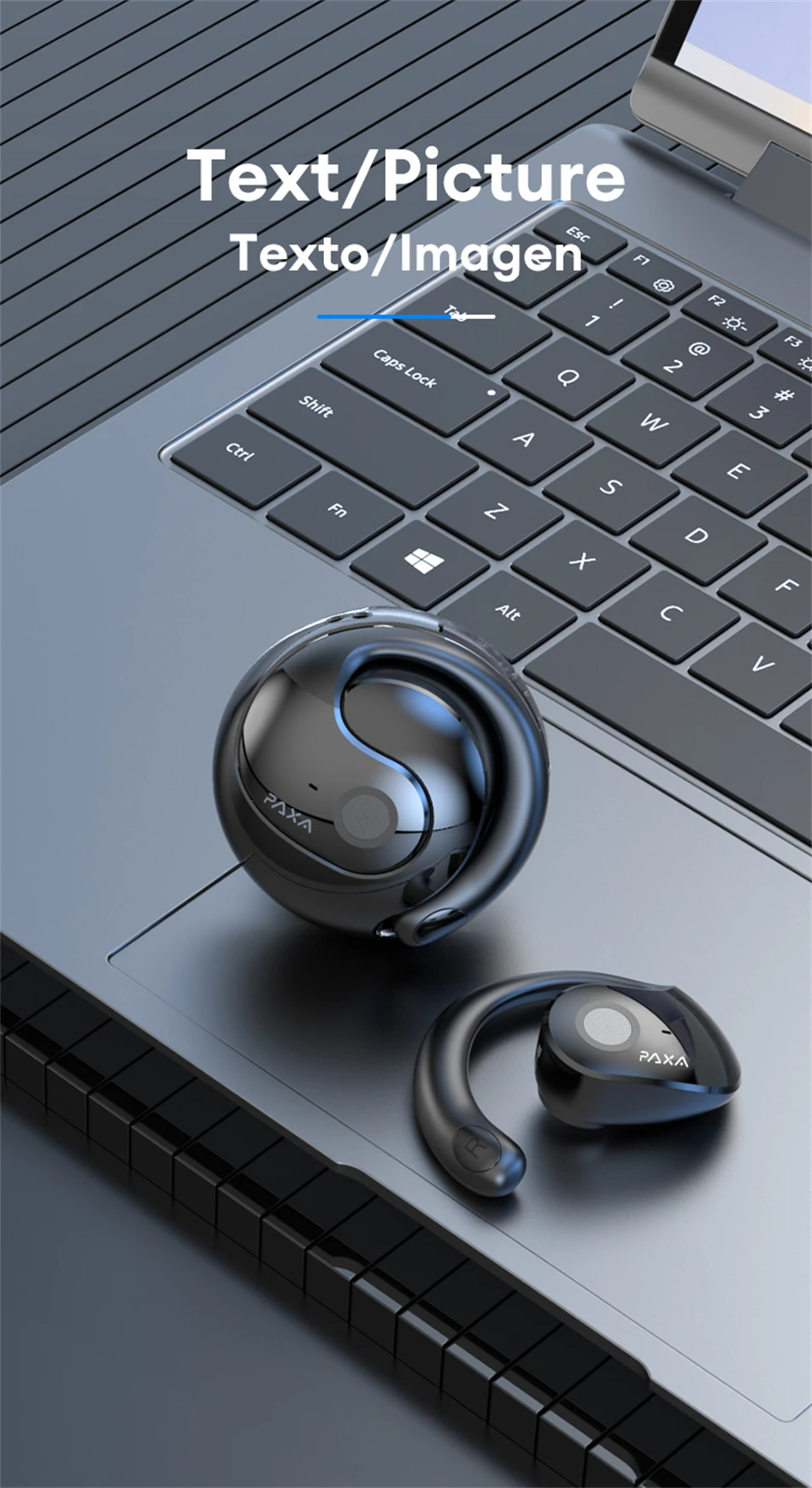
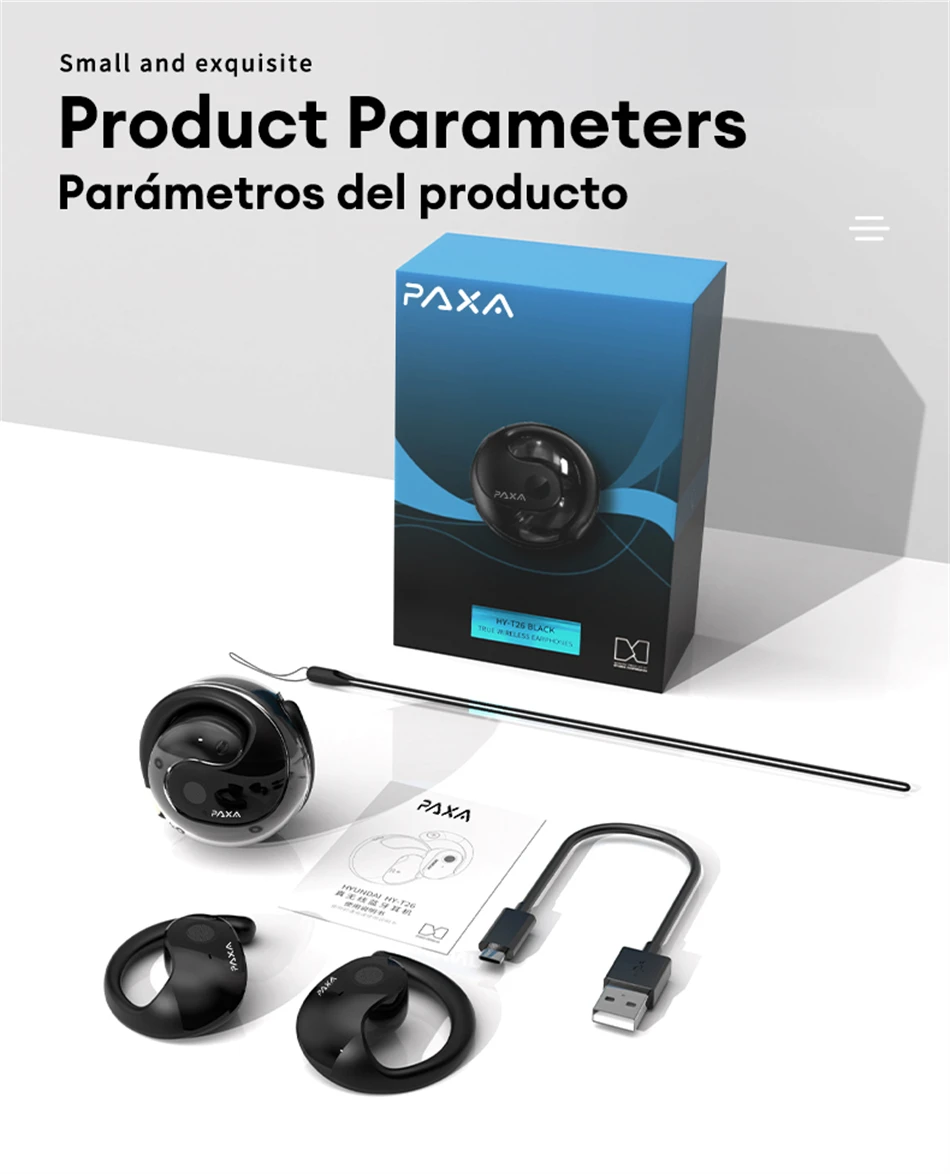
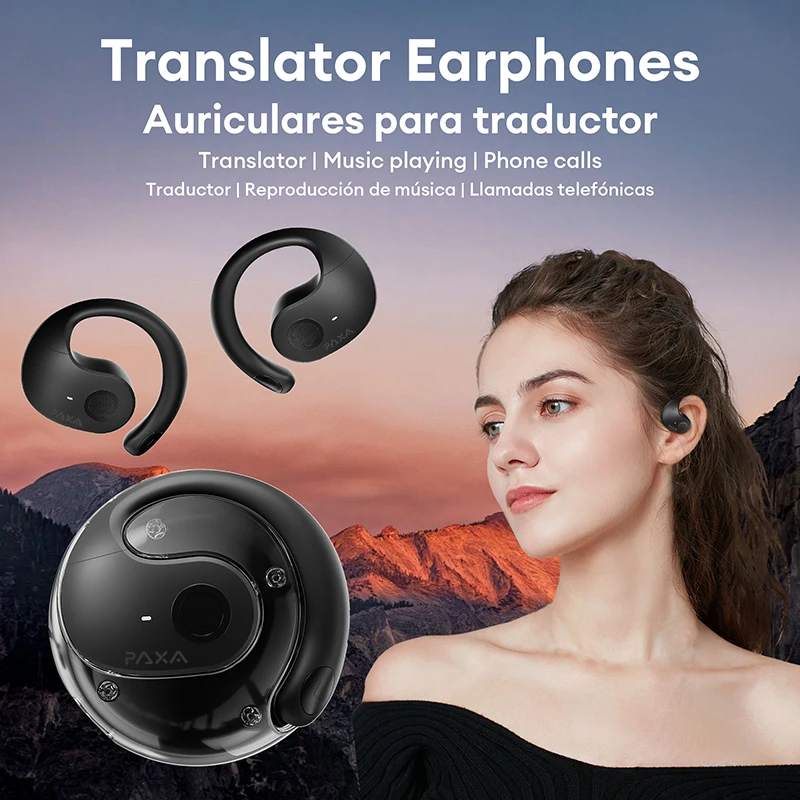
The design is innovative (spherical shape, available in black and pink), with multiple functions such as recording, writing, translation, listening, speaking, etc. The core selling point is "Super headphones equipped with AI", bringing you a multi scene intelligent audio experience.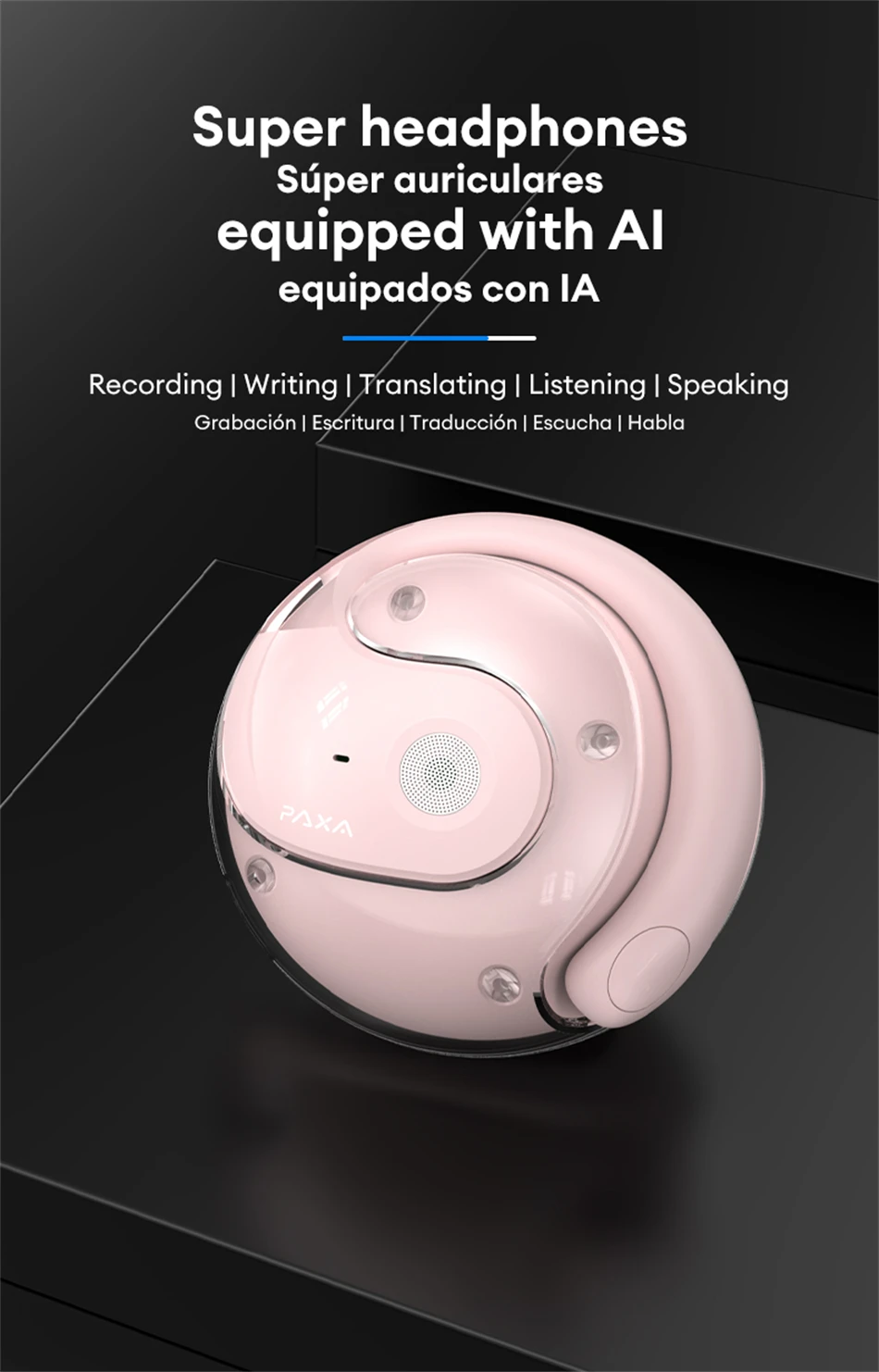 Recording transcription
Equipped with recording and transcription functions, with a transcription accuracy rate of up to 98%, it can achieve full scene adaptation and real-time speaker recognition. It supports real-time transcription of multiple languages (such as Chinese, English, and more than 100 other countries' languages), providing users with efficient and accurate speech to text experience in communication, meetings, and other scenarios.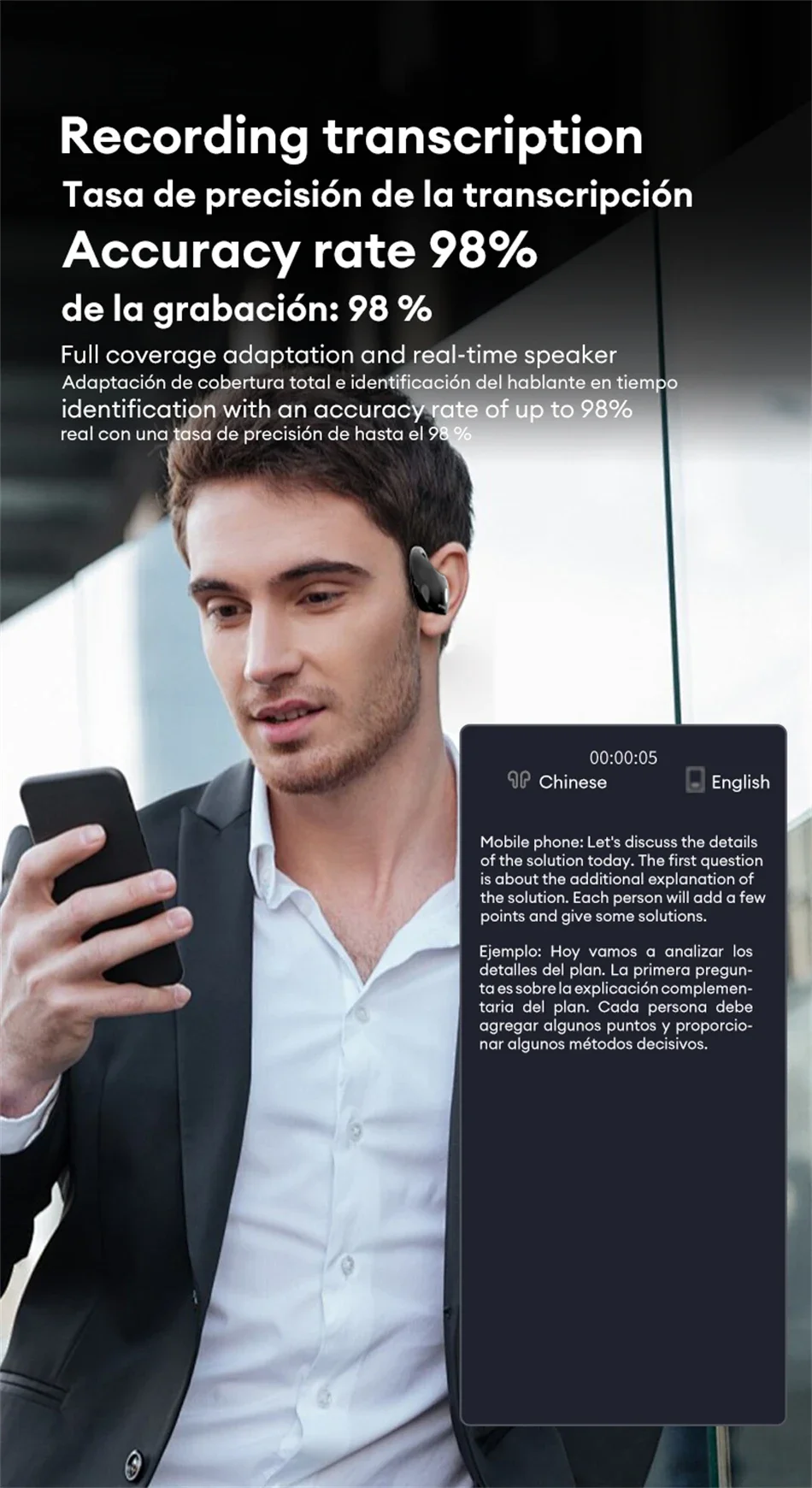 Translation for meetings at any time
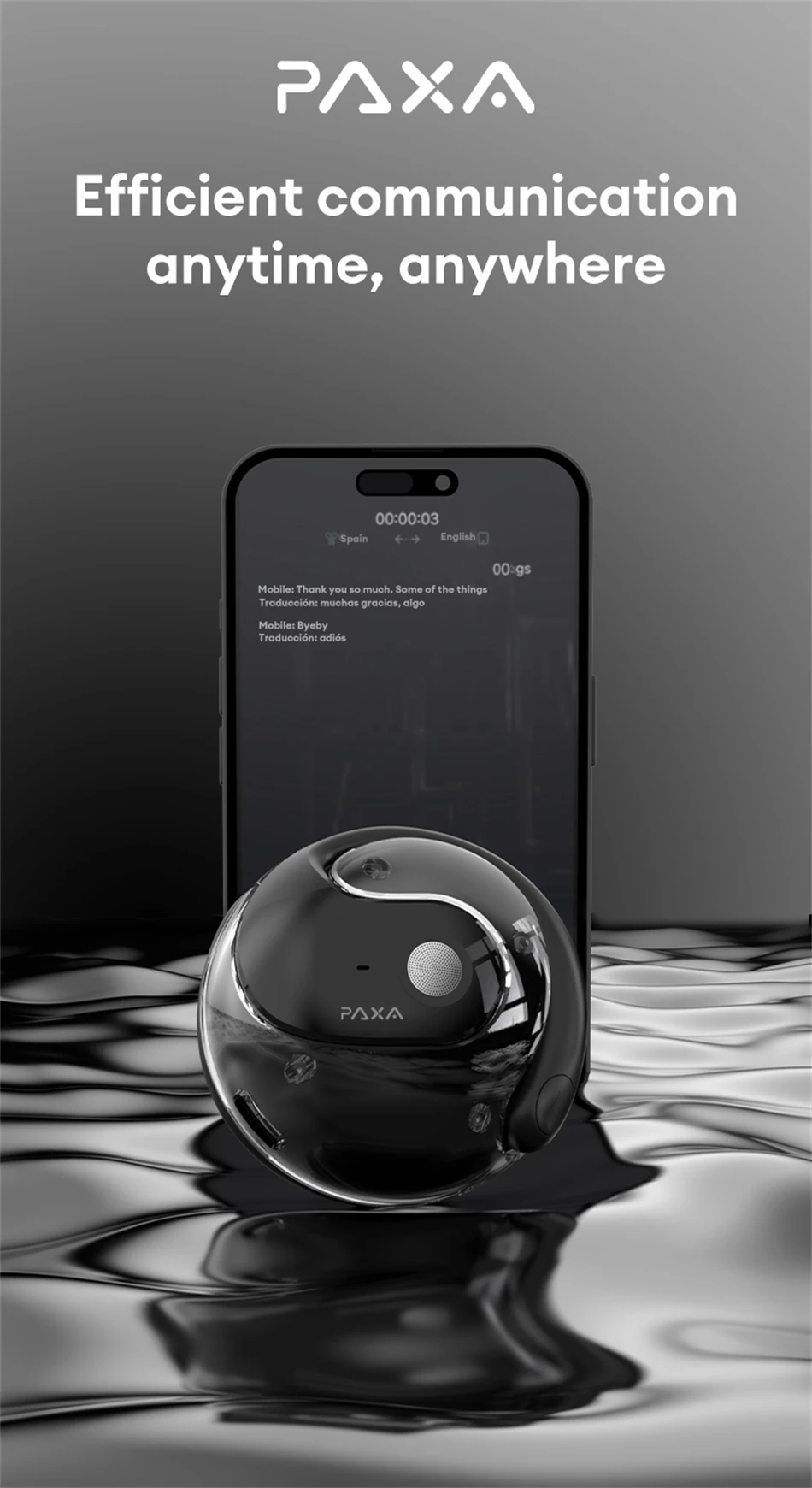
Used in on-site meeting scenarios, simply open the lid and launch the mobile app to start real-time recording, supporting transcription in multiple languages such as Chinese and English, providing a convenient and efficient solution for meeting recording.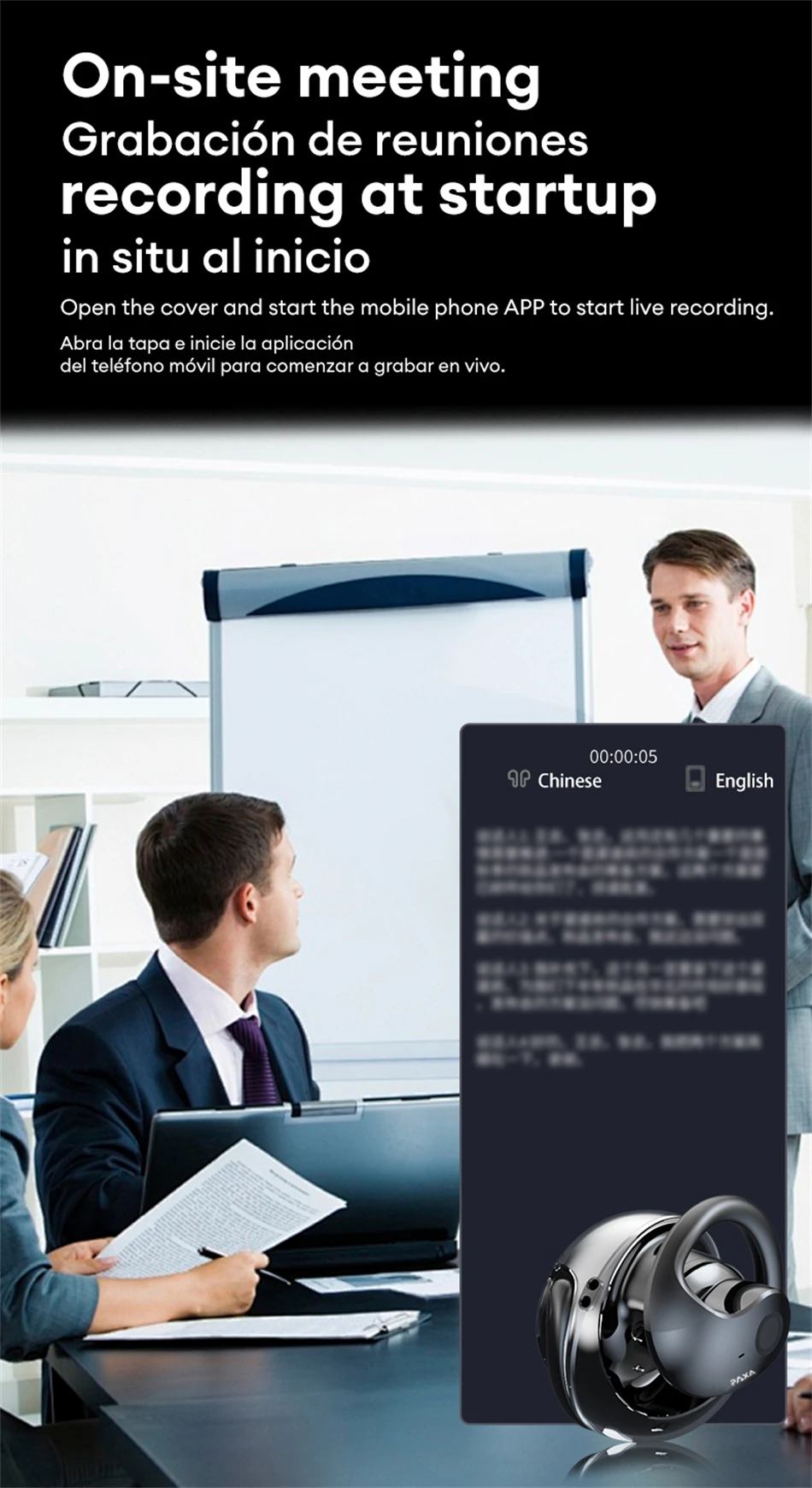 Earphone style devices
Equipped with on-site meeting recording function upon startup, it can record in real-time through a mobile app and supports multiple languages, suitable for workplace meeting recording scenarios.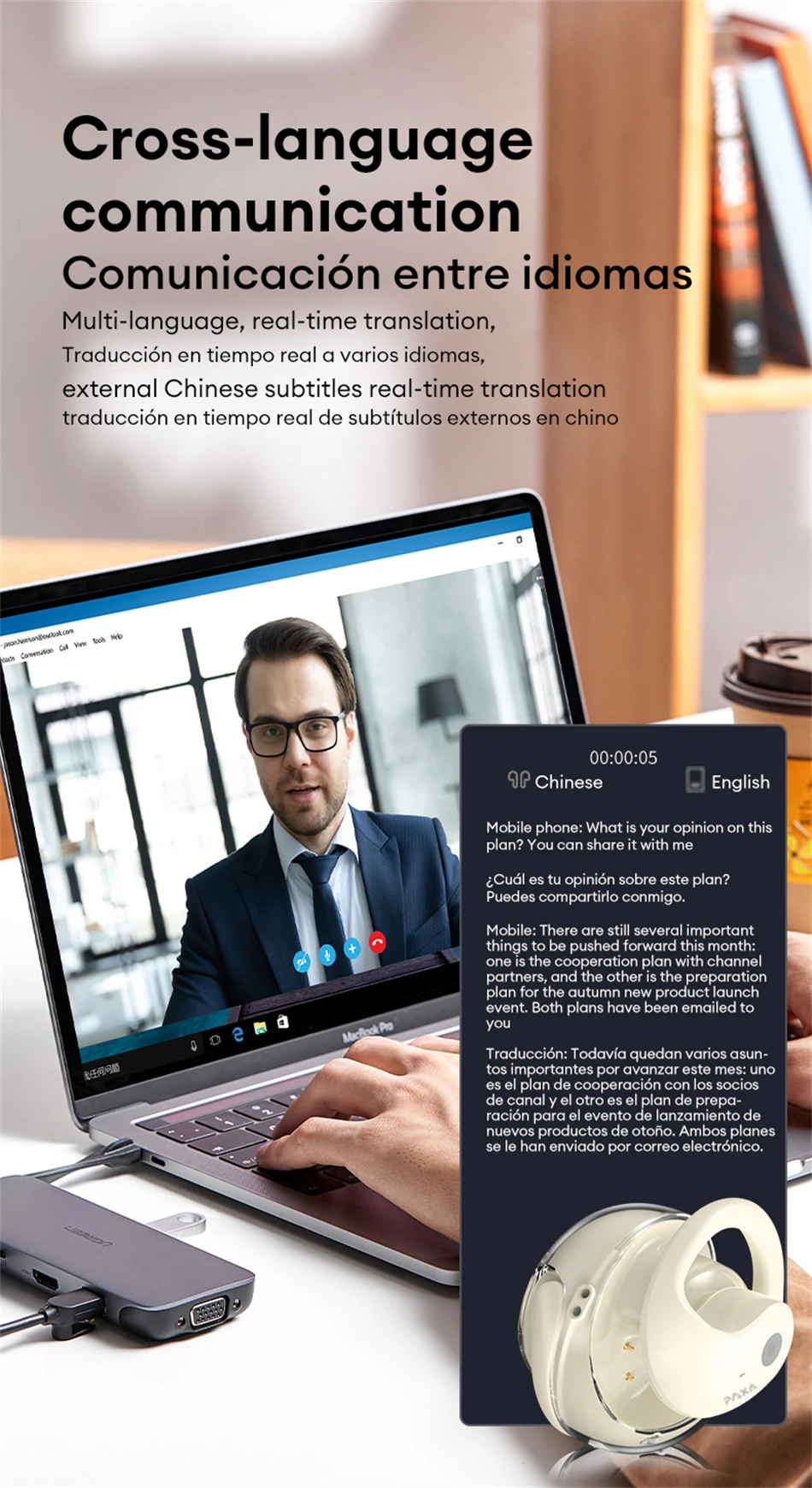
Equipped with "AI Fast Translation
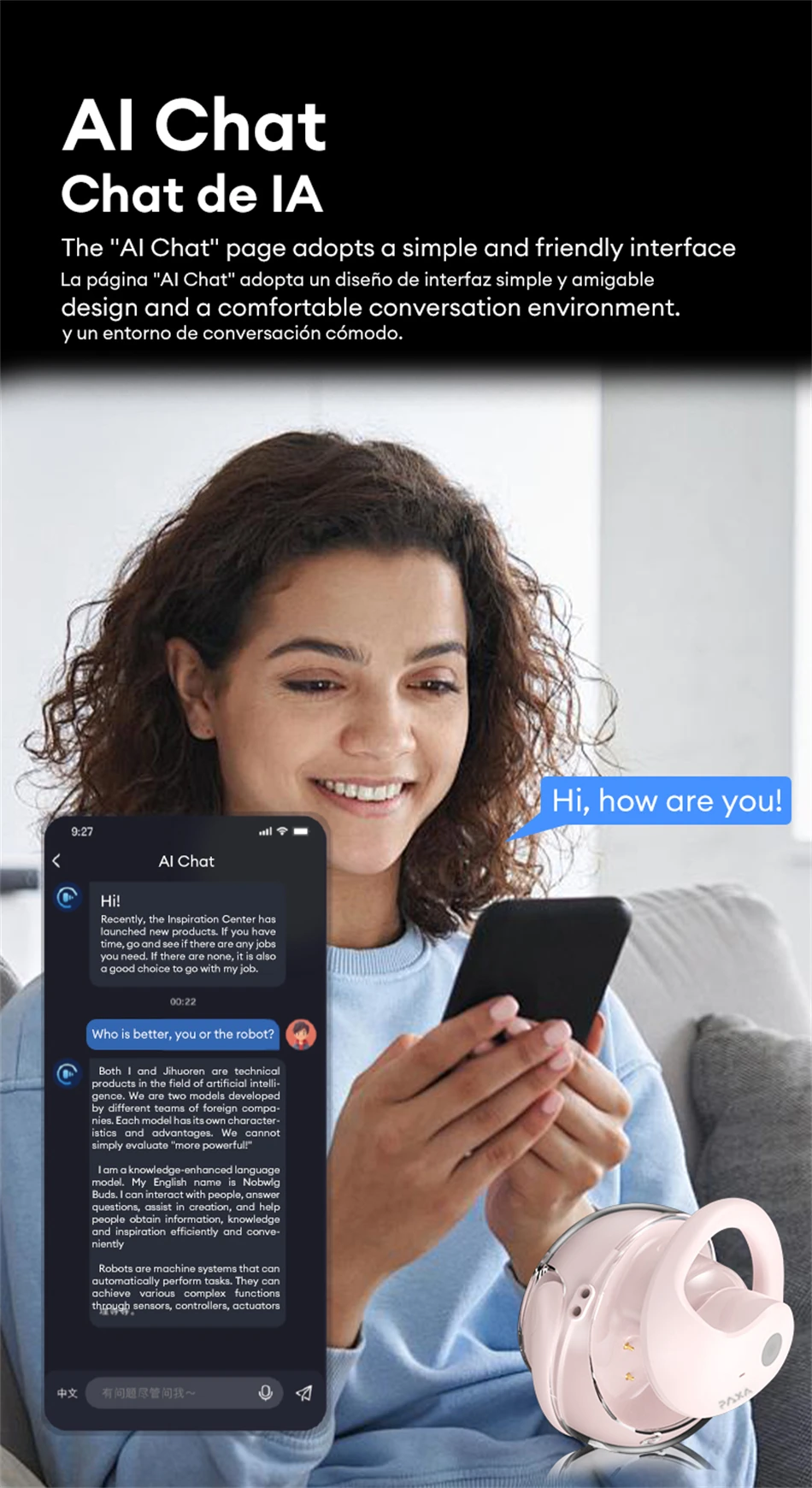
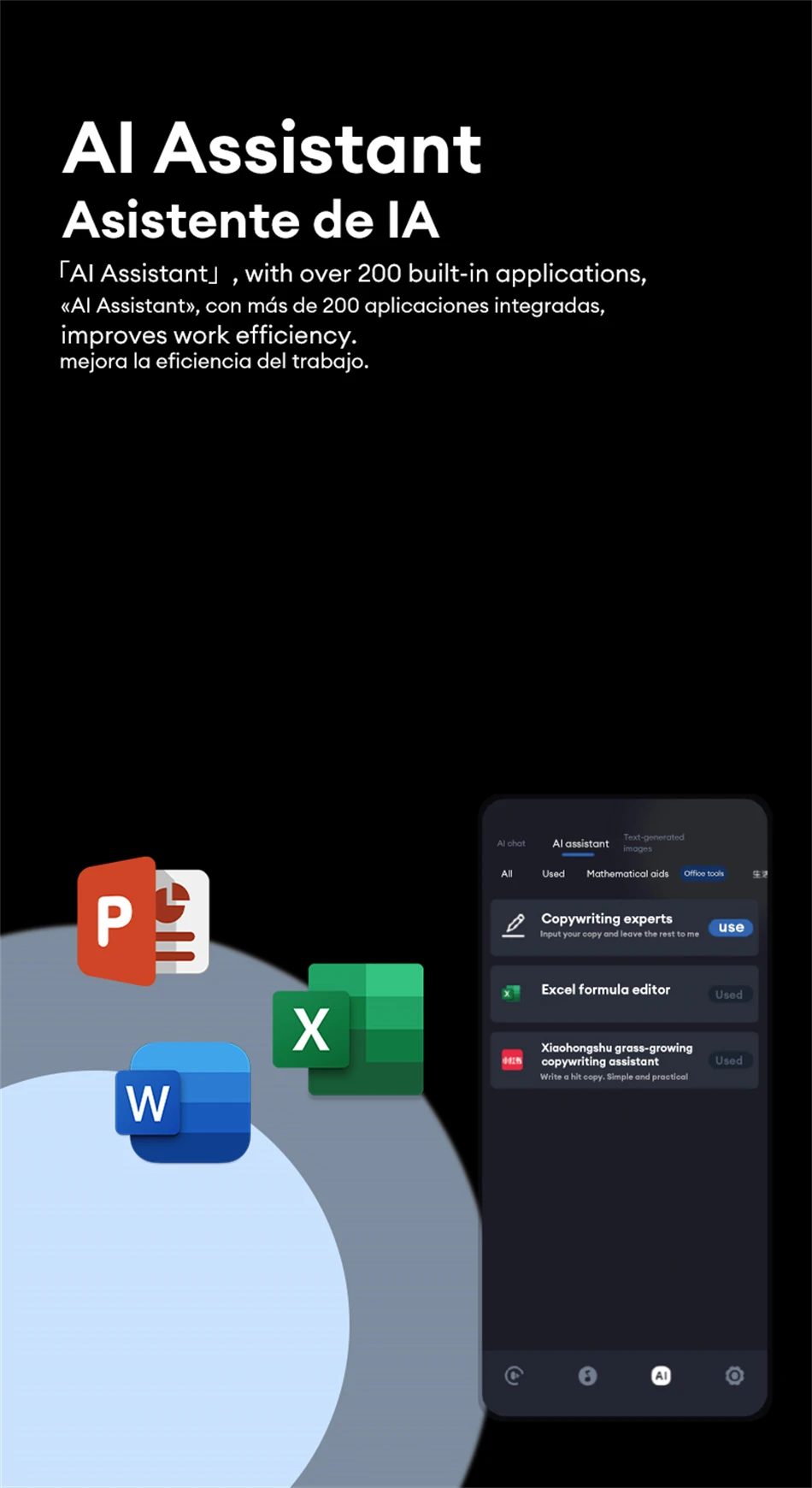
A headphone style device with multiple artificial intelligence functions, based on a brain model, and capable of translating and displaying AI intelligent features at any time. The key selling point of this earphone is its AI chat function, with a simple and friendly interface that provides a comfortable conversation environment.
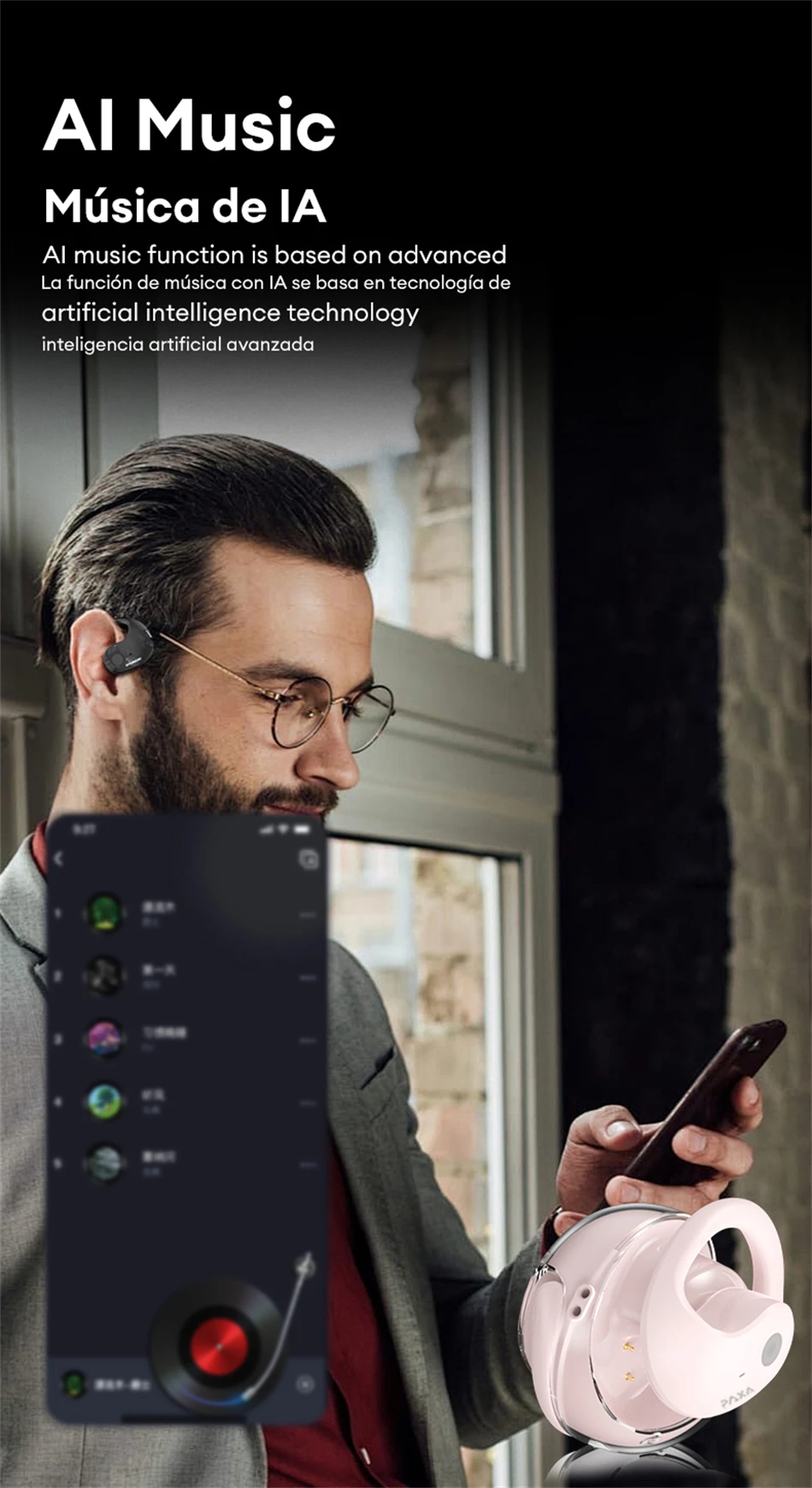
 Equipped with AI music functionality based on advanced artificial intelligence technology.
 Can be used in AI voice conversation scenarios
Wearing headphones enables real-time communication with the system through voice input, demonstrating its application in voice interaction and assisting in achieving convenient real-time voice communication functions.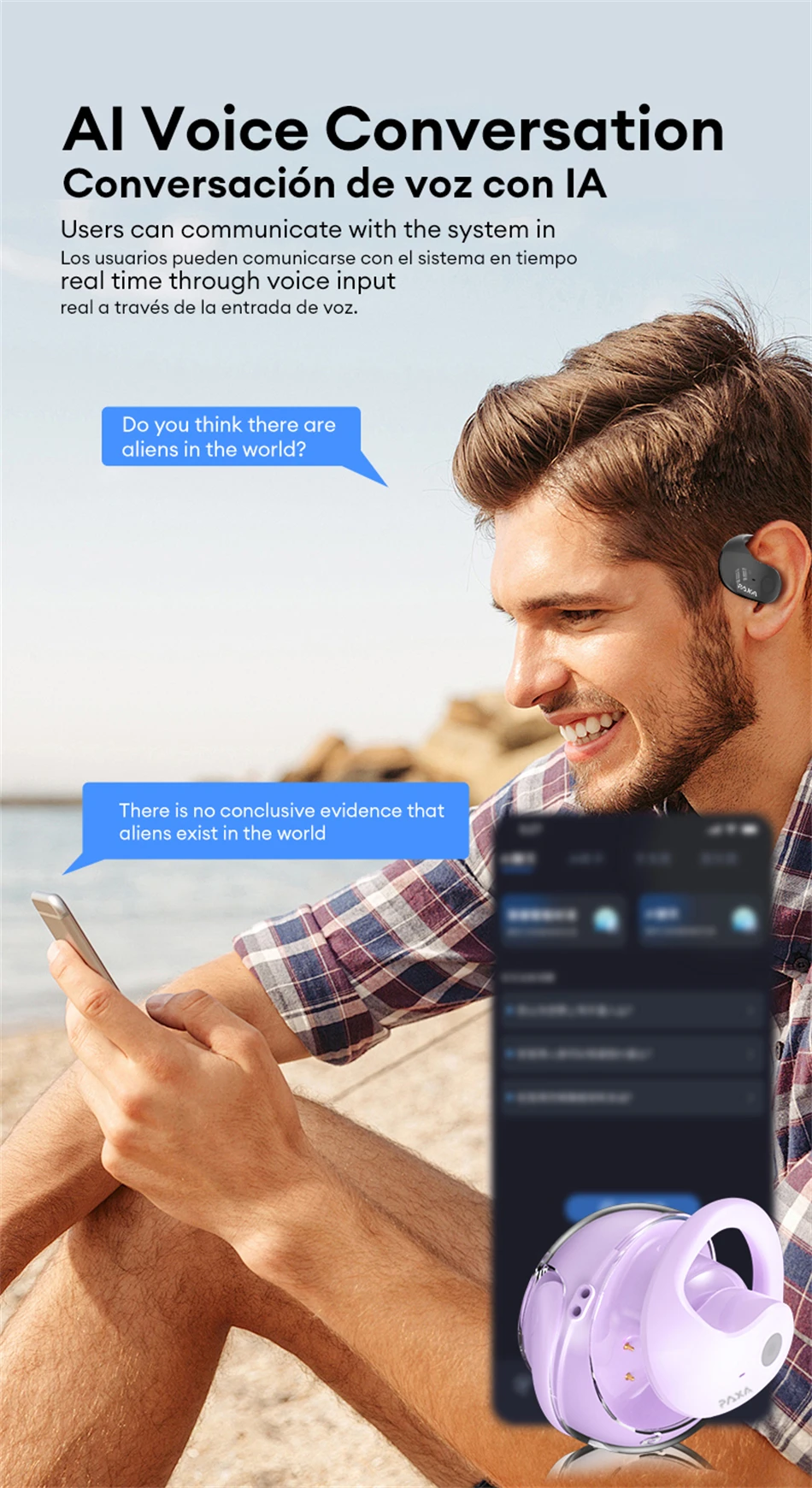
FAQ:
Q: What should I do if the headset received unable to turn on?
A: Confirm that the charging case has power left.If charging case power off, please put the earphones in charge case and charging for 1 hour and try again.
Q: What should I do if Sound comes from only one earphone?
A: Put both earphones back into the charging case and close the cover, then take them out again to check whether both ears have sound. If only one earphone still has sound, please restore the factory settings for both earphones.
Q: How to solve the problem that the mobile phone prompts that it cannot connect?
A: Delete the pairing record on the mobile phone, and then search for pairing and connect again.
Q: How to solve the problem that there is no sound when listening to music or calling?
A: There is a settings icon on the right side of the Bluetooth connection name on Android phones. Click to enter, turn off the mobile phone audio and media audio, and then turn them on again. If there is still no sound, please re-pair the earphones with the mobile phone.
Q: Why is there a delay in video or games?
A: Affected by factors such as the use environment, network and mobile phone Codec, there will be different degrees of delay when the mobile phone transmits audio data to the earphone.
Q: How to solve the problem of stuck or intermittent sound?
A: If there are a lot of Wi-Fi, 5G or 4G signals, high-power electrical appliances around, it may cause stuck and intermittent sound. Please Change the environment or re-pairing can solve the problem.
Other Tips:
1. Before using the earbuds, please read the manual carefully and keep it for future references.
2. The earbuds need to be fully charged prior to first-time use.
3. lf the earbuds are left unused for over two weeks, please recharge.
4. Please use the chargers made by qualified manufacturer.
5. lf earbuds fail to be found by phone, please re-turn them connectable or restore factory settings.
6. lf a program error of phone occurs, please turn off and on Bluetooth function or reboot the phone.













Reviews
There are no reviews yet.