Description
- High-concerned chemical: None
- Built-in Battery: Yes
- Diaphragm: S-Mall
- Polar Patterns: Hypercardioid
- Package: Yes
- Communication: WireLess
- Set Type: Multi-Microphone Kits
- Transducer: Condenser Microphone
- Use: Pro Studio
- Style: Shotgun Microphones
- Brand Name: COMICA
- COMICA Model: VM40
- Origin: Mainland China

Dual-channel Wireless Shotgun Mic, 14mm Gold-plating Capsule
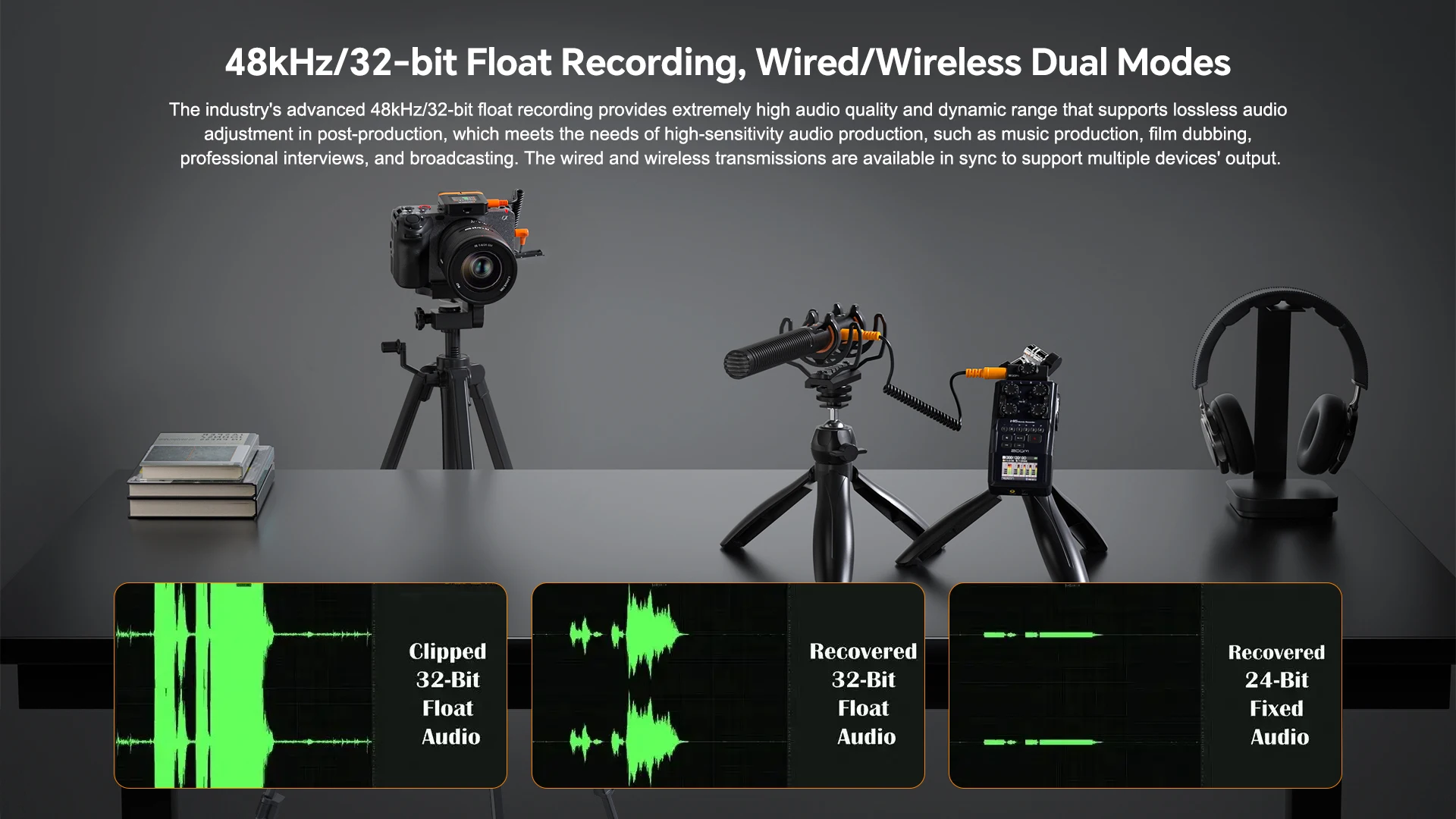
48kHz/32-bit Float Recording, Wired/Wireless Dual Modes
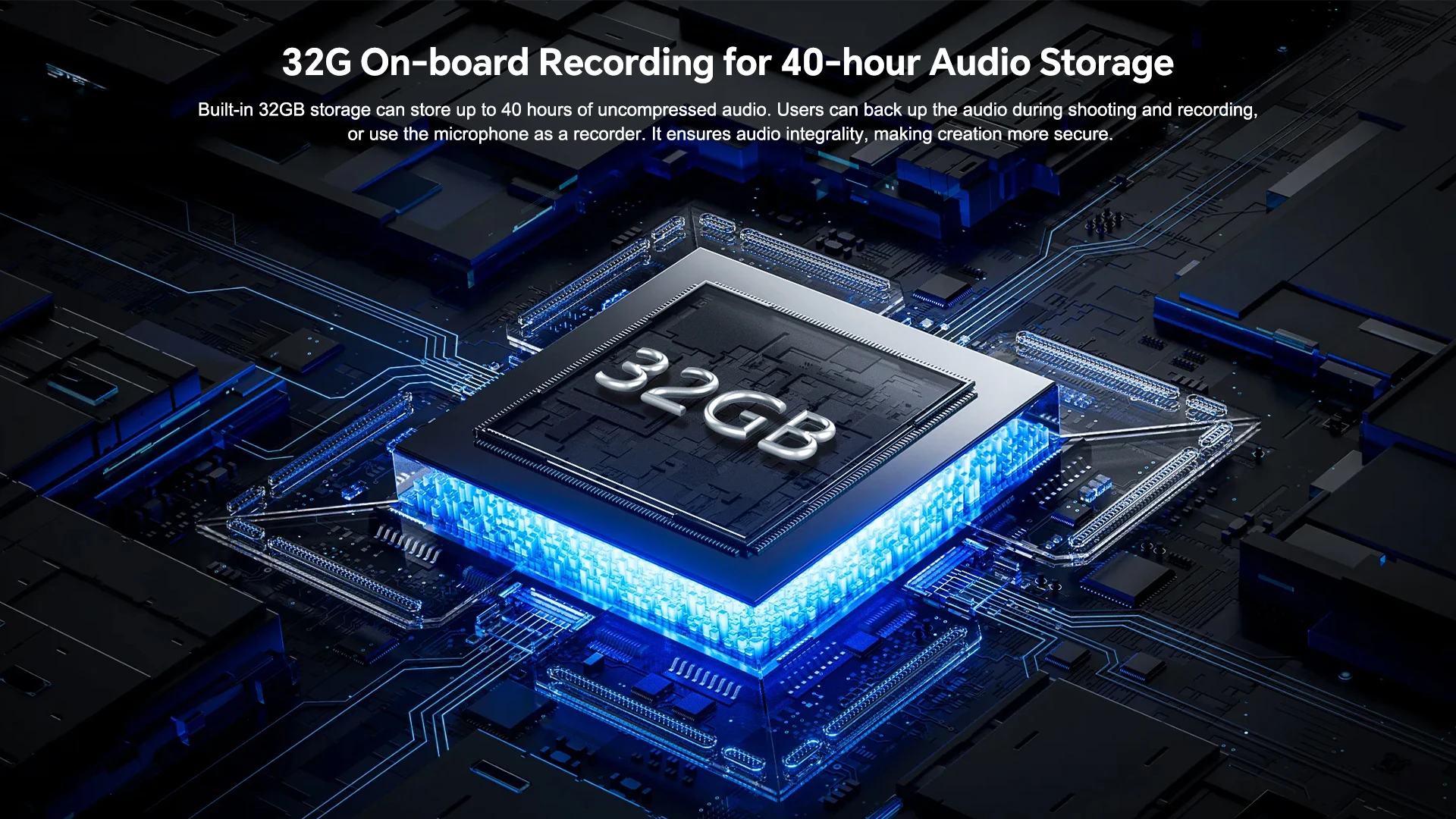
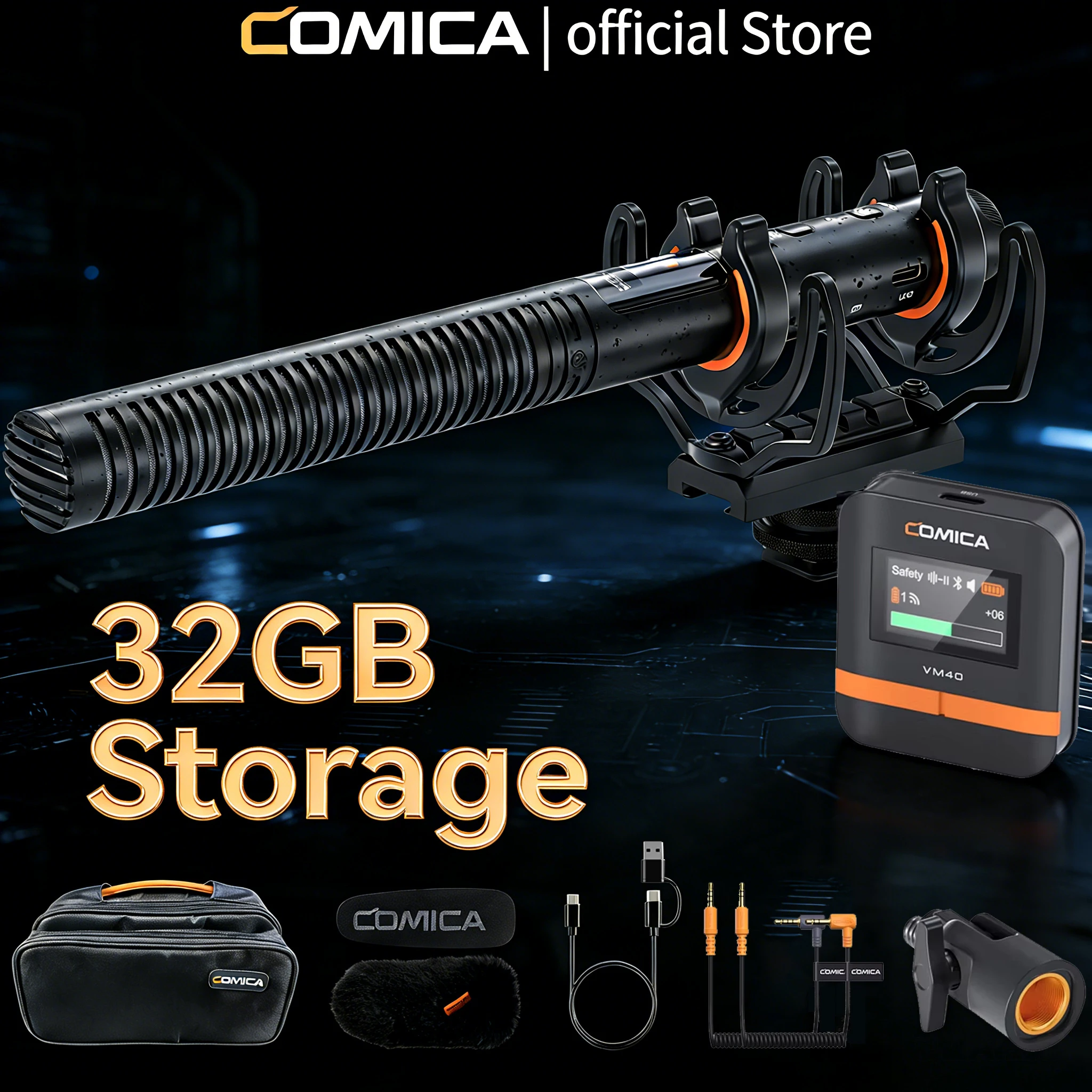
32G On-board Recording for 40-hour Audio Storage
Exclusive Comica Audio APP for More Functions
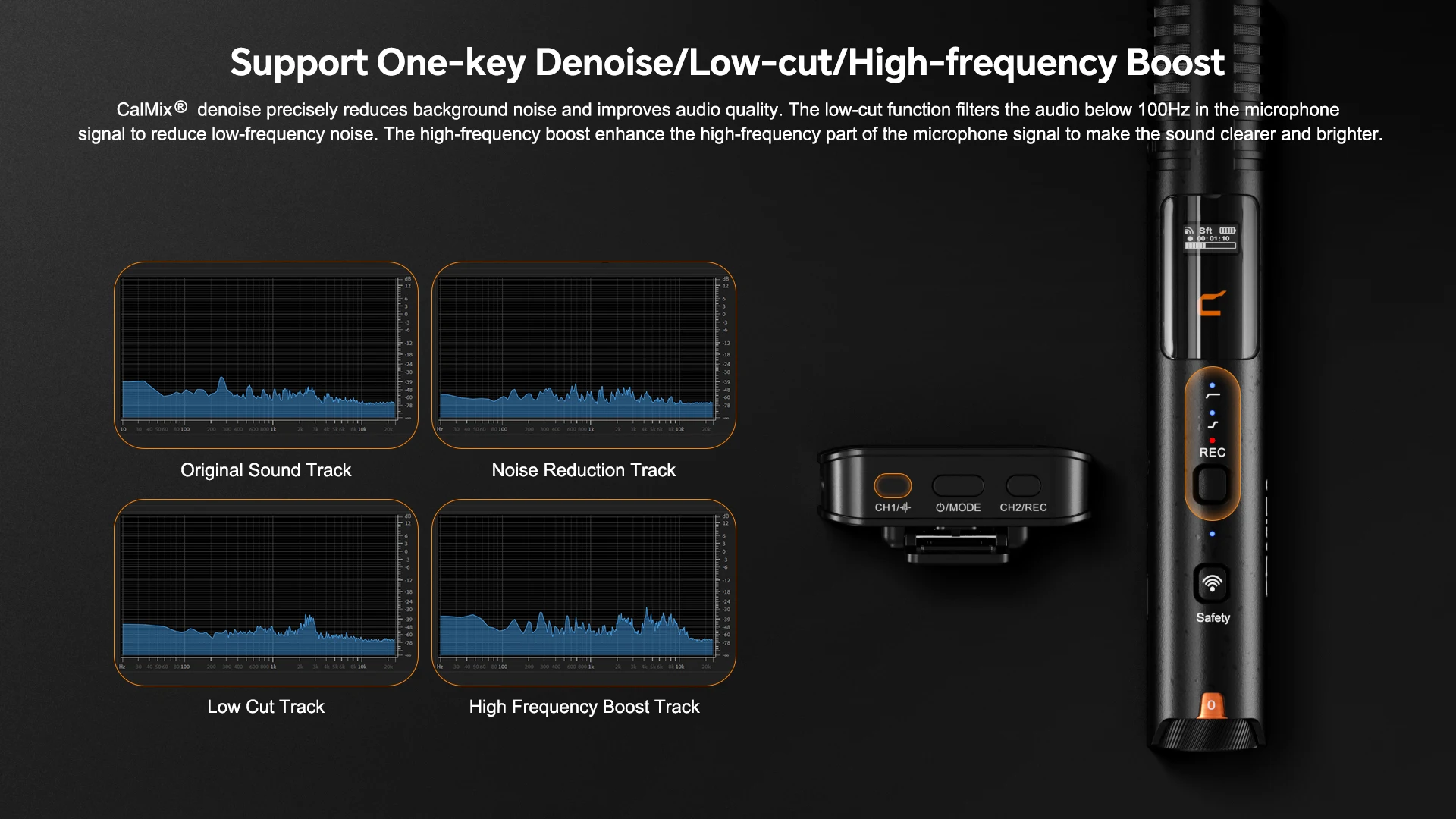
Support One-key Denoise/Low-cut/High-frequency Boost
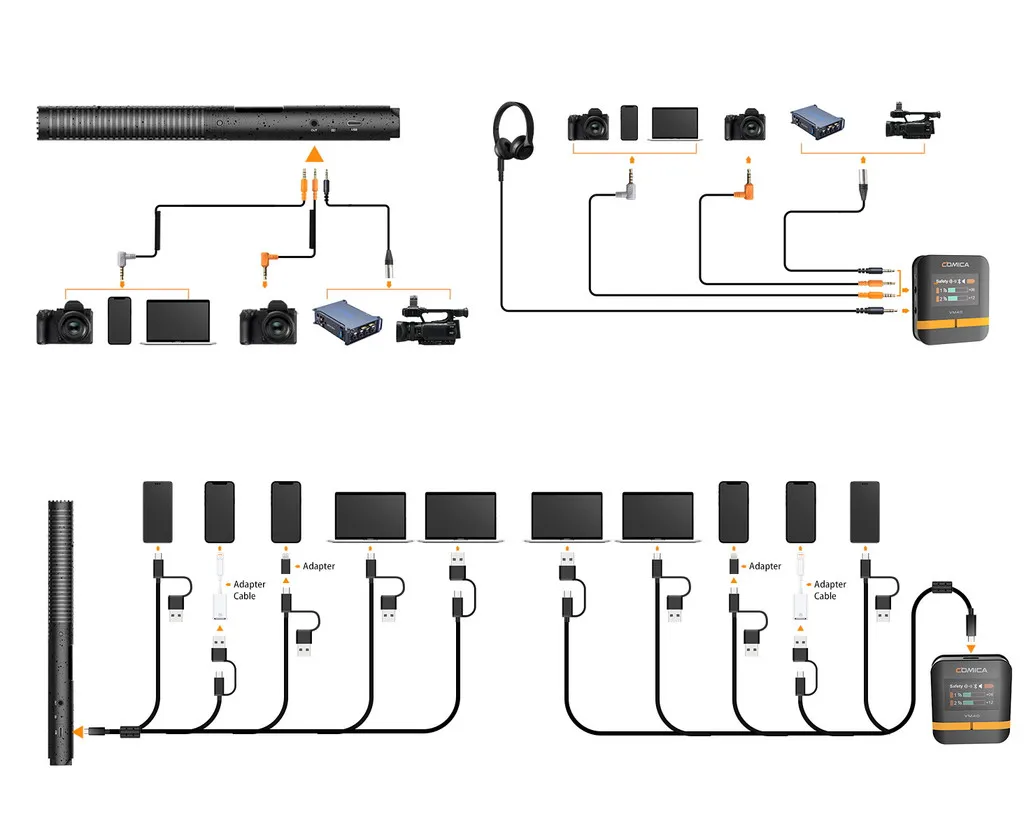
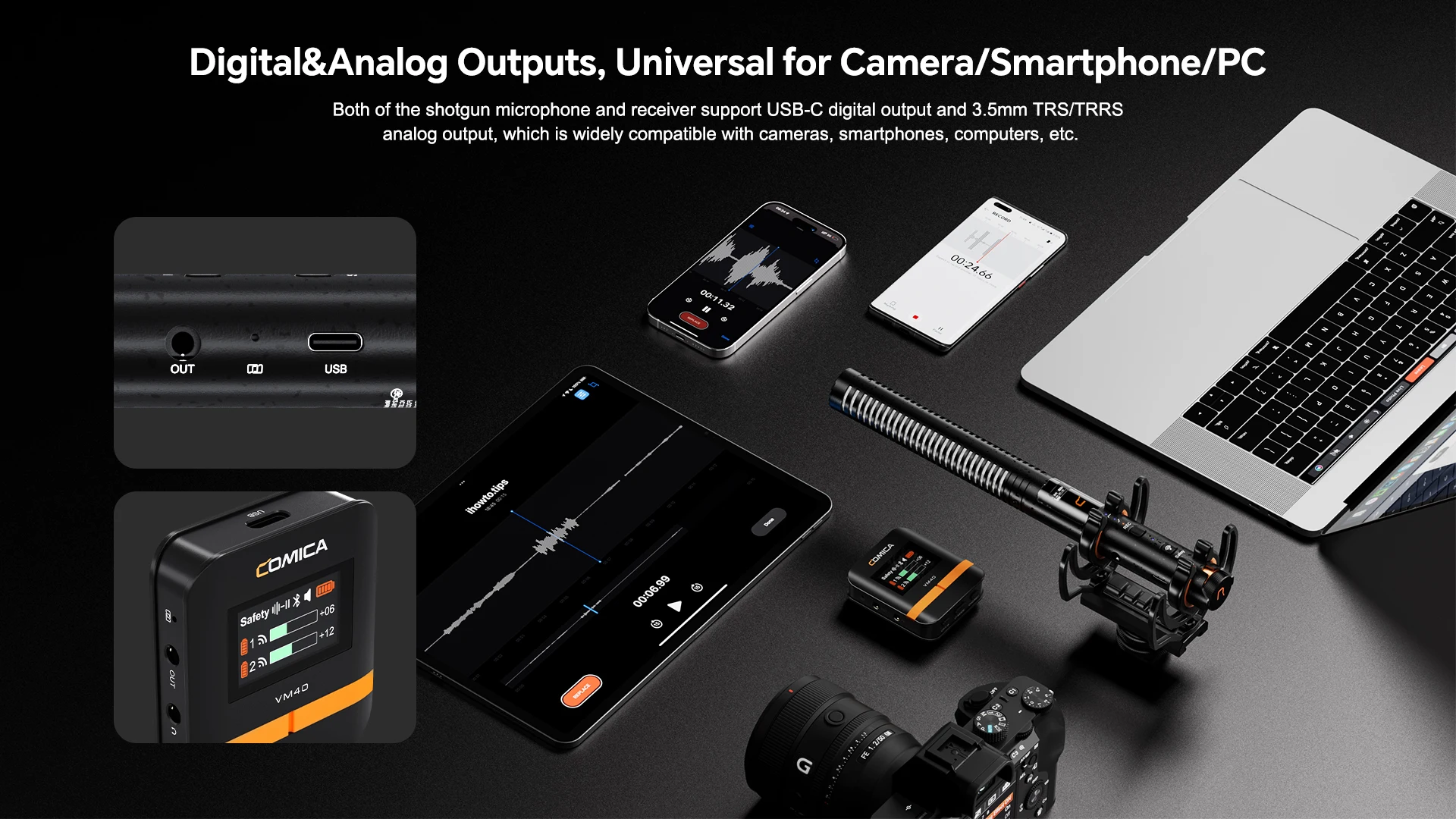
Digital&Analog Outputs, Universal for Camera/Smartphone/PC
Intelligent Power Switch and Auto-sensing 3.5mm Output
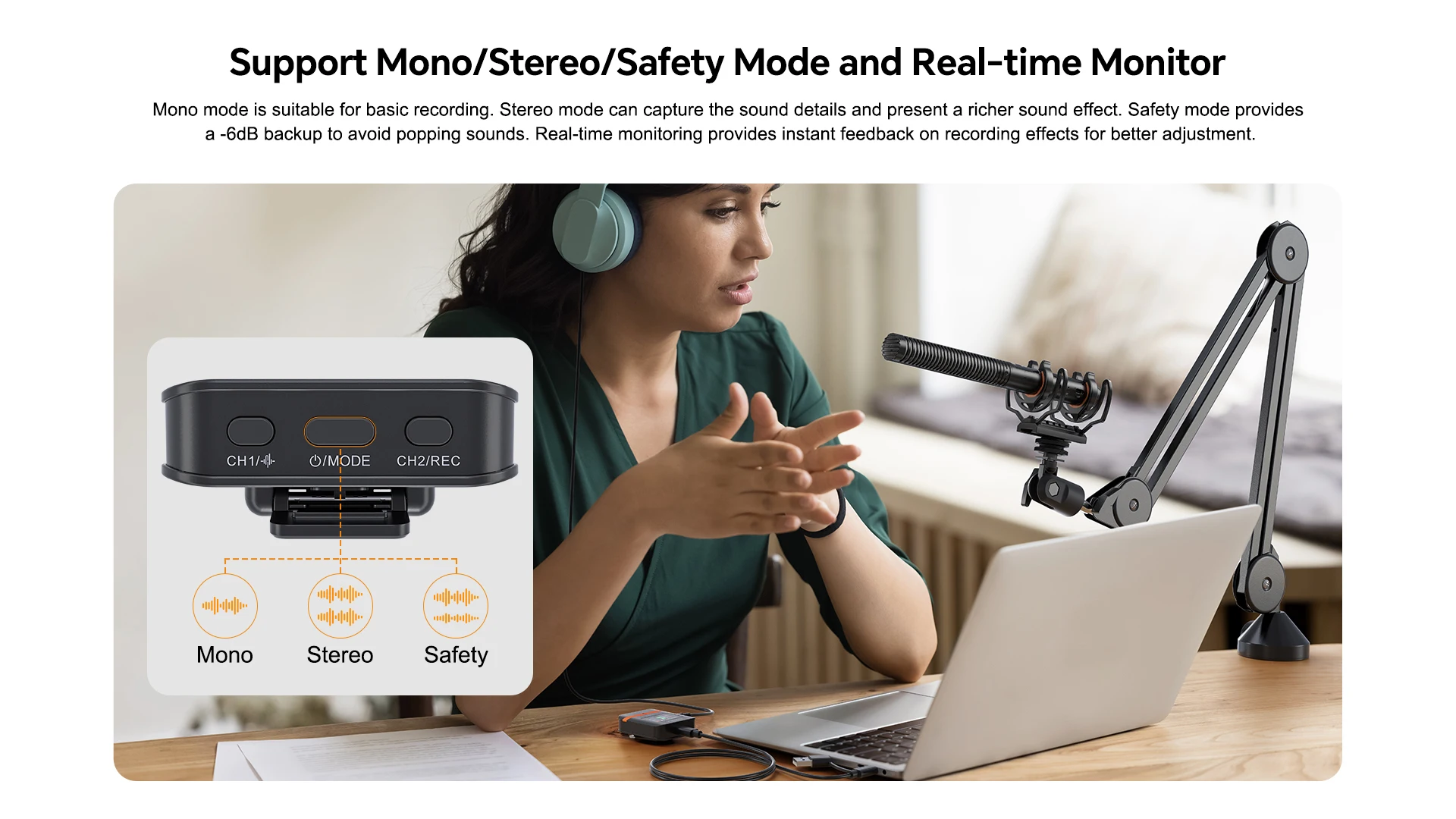
Support Mono/Stereo/Safety Mode and Real-time Monitor
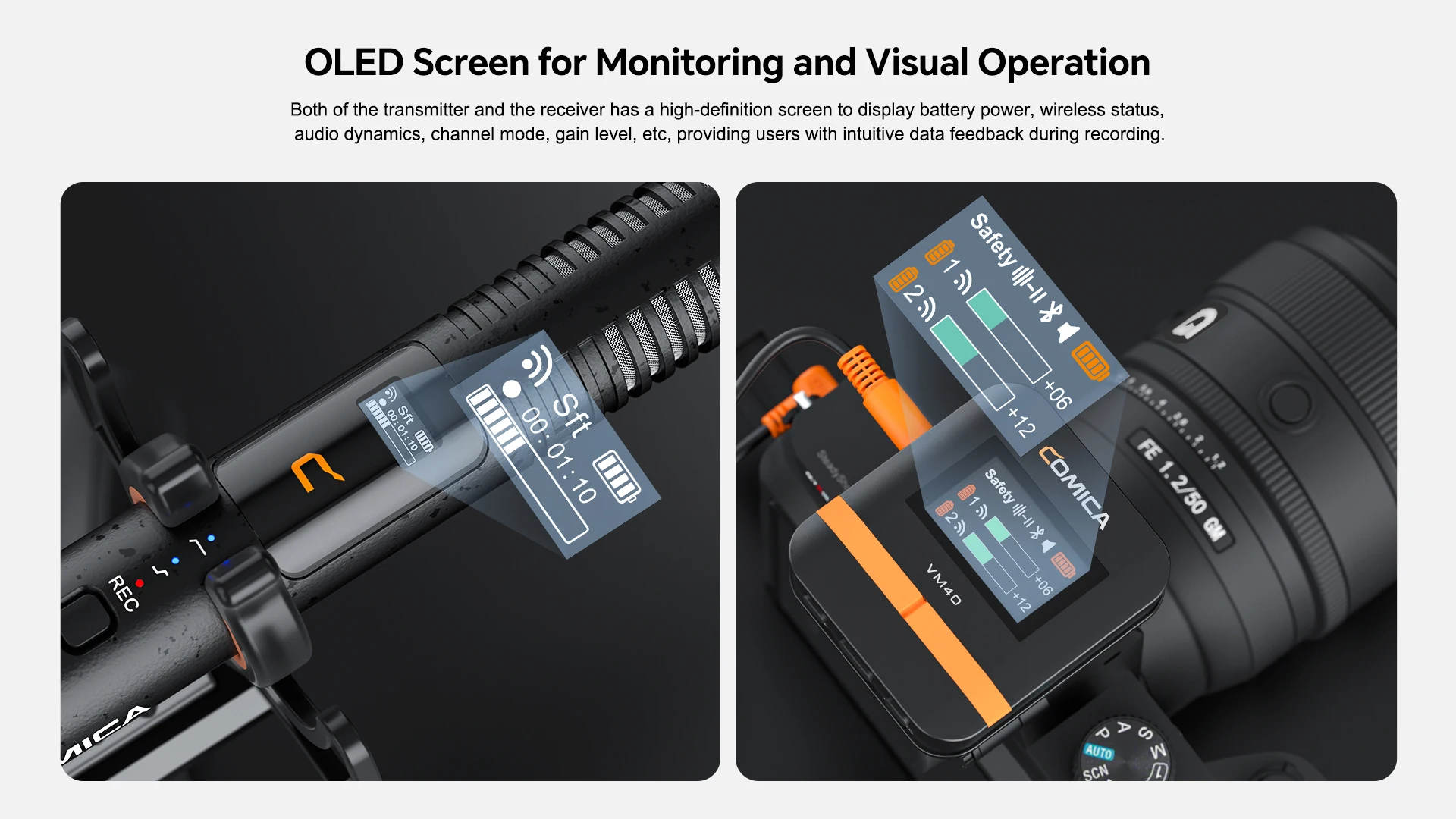
OLED Screen for Monitoring and Visual Operation
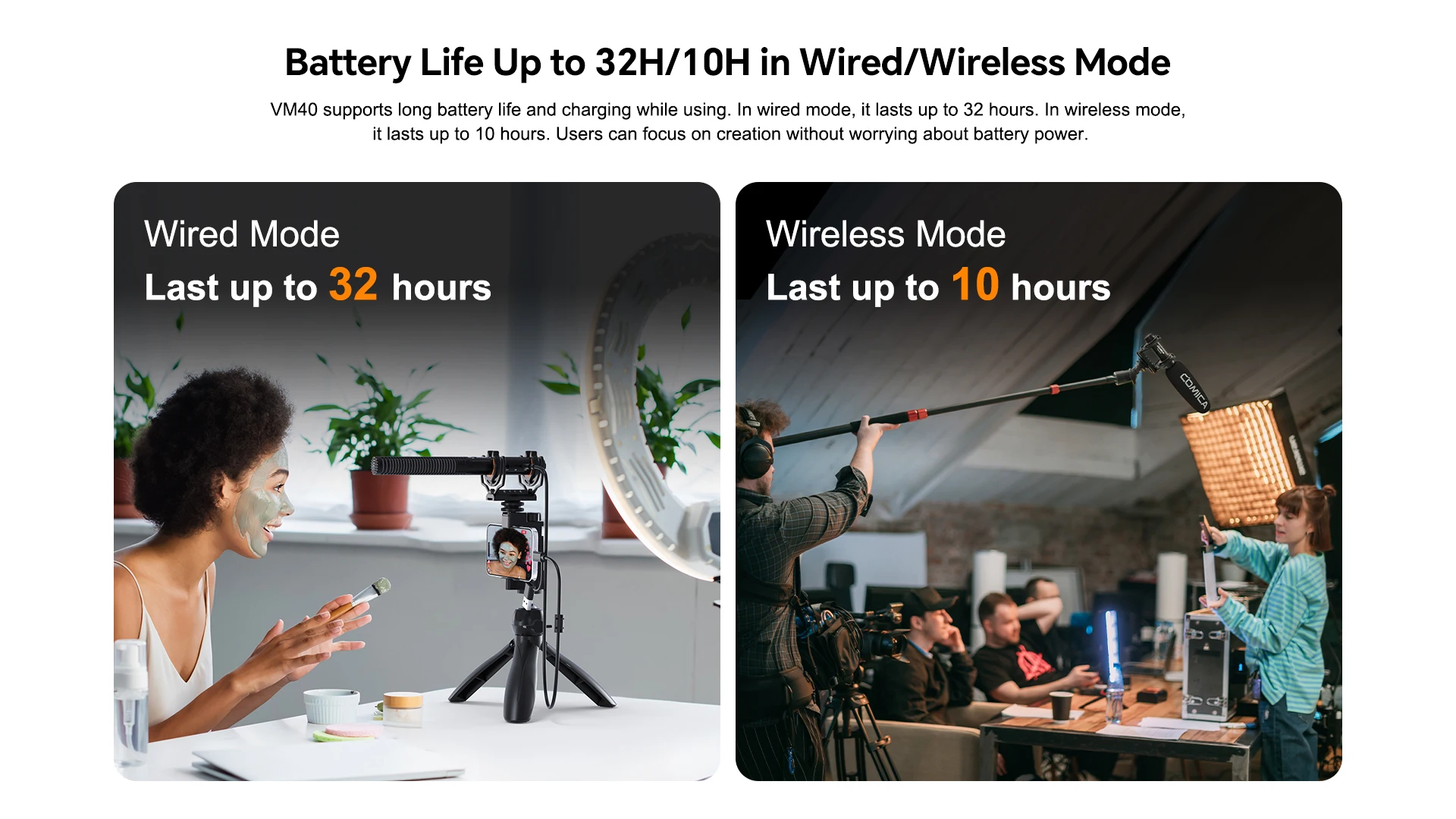
Battery Life Up to 32H/10H in Wired/Wireless Mode
Working Range Up to 200m, Stable&Low Latency(Open Area)
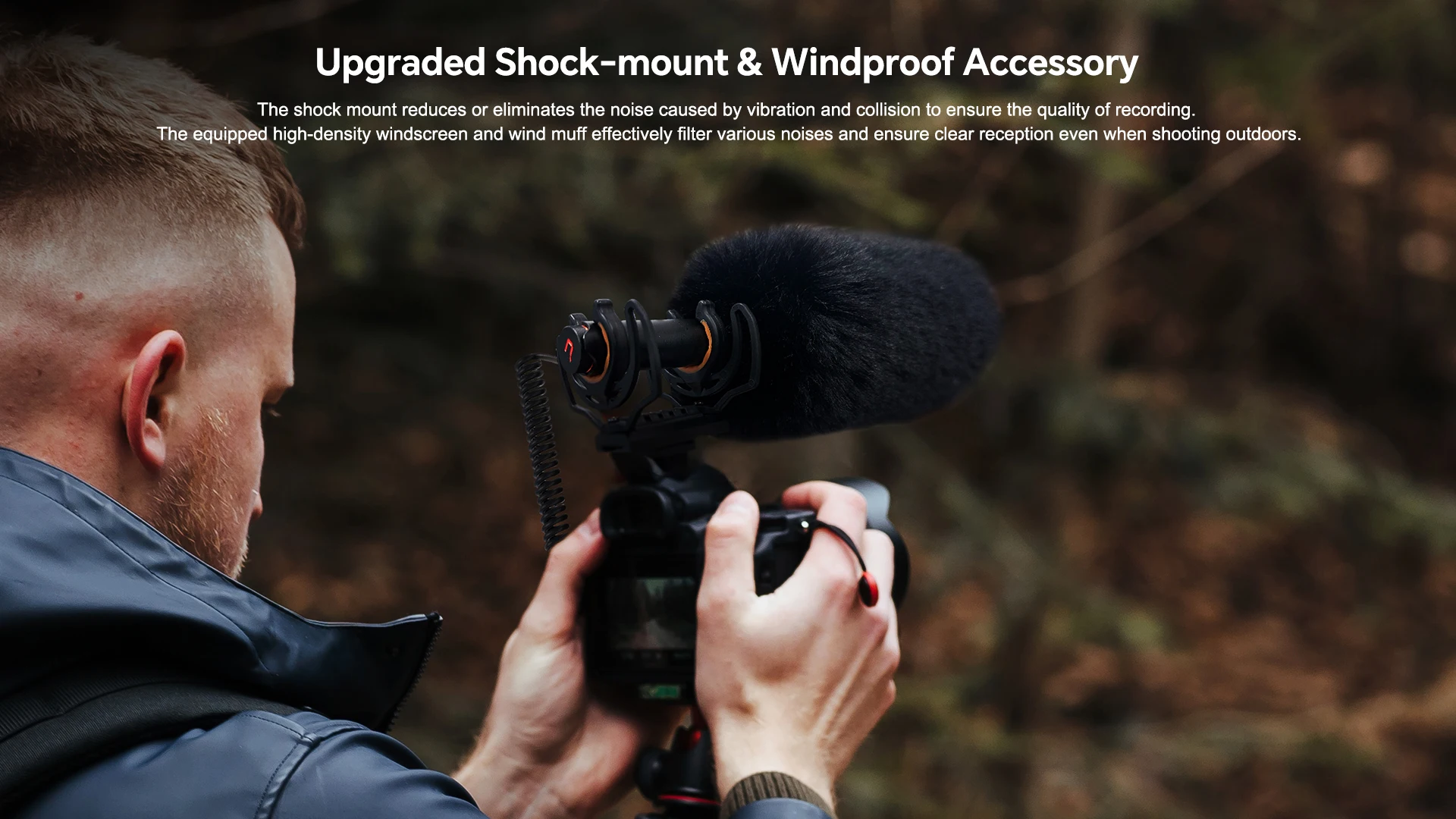
Upgraded Shock-mount&Windproof Accessory

* When it needs to be used for a long time, it can be connected to the external power to realize charging while using. AC/DC power is not supported to avoid noise problem
* In wireless mode, for a better recording effect, please adjust the gain of the transmitter first. After the transmitter is adjusted to the maximum gain level, then adjust the gain of the receiver accordingly
* The device is a high-precision instrument. Please avoid falling, collision, or pounding
* Do not use this equipment in the vicinity of heat sources or interference sources, such as radiators, ovens, refrigerators, or air conditioners
* If the pick-up distance is close or when used outdoors, please put on the wind muff to prevent sound bursts or reduce wind noise
* Do not use the equipment in the rain or in a damp environment to avoid short-circuit danger
Please use it face-to-face, and don’t turn your back to the receiver. Otherwise, it is easy to generate breakpoints
RX Antenna Position
TX Antenna Position
Don't block the antenna positions of the TX and RX during use to avoid affecting the wireless distance

|
Wireless Type
|
2.4GHz
|
|
Transmitting Power
|
+10dBm
|
|
Receiving Sensitivity
|
-96dBm
|
|
Antenna
|
Ceramic Antenna
|
|
Sound Delay
|
<20ms
|
|
Polar Pattern
|
Super Cardioid
|
|
Frequency Response
|
20Hz ~ 20kHz
|
|
Low-cut
|
-3dB@ 100Hz
|
|
High-frequencyBoost
|
+3dB @10kHz
|
|
Output Impedance
|
600Ω
|
|
Sensitivity
|
-38dB ~ -18dB re 1V/Pa(12mv ~ 125mv @ 94dB SPL) ±2dB @ 1kHz
|
|
S/N
|
75dB SPL(A-weighted,as per IEC651)
|
|
Equivalent Noise
|
19dB SPL(A-weighted,as per IEC651)
|
|
Maximum SPL
|
130dB SPL(@ 1% THD)
|
|
Dynamic Range
|
111dB SPL(A-weighted,as per IEC651)
|
|
Analog Output
|
3.5mm TRRS/TRS
|
|
Digital Output
|
USB-C 48kHz/24bit
|
|
Battery
|
Transmitter:Li-polymer 3.7V 350mAh Receiver:Li-polymer 3.7V 330mAh
|
|
Battery Life
|
Transmitter: Wired Mode 32 Hours; Wireless Mode 10 Hours; On-board Recording Mode 5 Hours
Receiver: 8 Hours
|
|
Dimensions
|
Transmitter: Φ22mm x L224mm
Receiver: 54 x 48 x 22mm
|
|
Net Weight
|
Transmitter: 94g
Receiver: 29.5g
|
|
Operating Temperature
|
0℃ ~ 50℃
|
|
Storage Temperature
|
-20℃ ~ 60℃
|
One-channel Version
Main Parts:
1. Shotgun Microphone(Transmitter) *1
2. Receiver*1
Accessories:
3. 2 in 1 Charging&Output Cable*1
4. 3.5mm TRS-TRS Audio Output Cable*1
5. 3.5mm TRRS-TRRS Audio Output Cable*1
6. Shock Mount*1
7. 3/8 Male to 5/8 Female Stand Adapter*1
8. 5/8 Male to 3/8 Female Screw*1
9. 3/8 Male to 1/4 Female Screw*1
10. Windscreen*1
11. Wind-muff*1
12. Pin*1
13. Carry Case*1
14. User Manual*1
15. Warranty Card*1






Buyer Questions & Answers:
Q:How to pair VM40 when pairing is abnormal?
A:When there is an abnormality in the wireless connection, use the card pin to insert into the pairing hole and press it briefly to re-pair.
Q:What is the file format recorded in the transmitter? How to extract the audio files in the transmitter?
A:The onboard recording sampling rate is 24bit or 32bit float. Enter the copy state and connect to the computer for copying.
Q:When the receiver is connected to a mobile phone, can the mobile phone play back the sound?
A:Yes, you need to switch on the APP. If the speaker icon is displayed on the screen, it means the phone's speaker is external. If the speaker icon is not displayed, it means the phone's internal speaker.
Q:How to connect to APP?
A:1. Search and download the "Comica Audio" APP in the mobile app store; or scan the QR code to download through the official website
2. Turn on the mobile phone’s Bluetooth in the mobile phone settings interface;
3. After resetting the receiver Bluetooth, open the APP and click Add Device in the upper right corner of the APP interface to search and add the device: VM40;







Reviews
There are no reviews yet.