Description
- High-concerned chemical: None
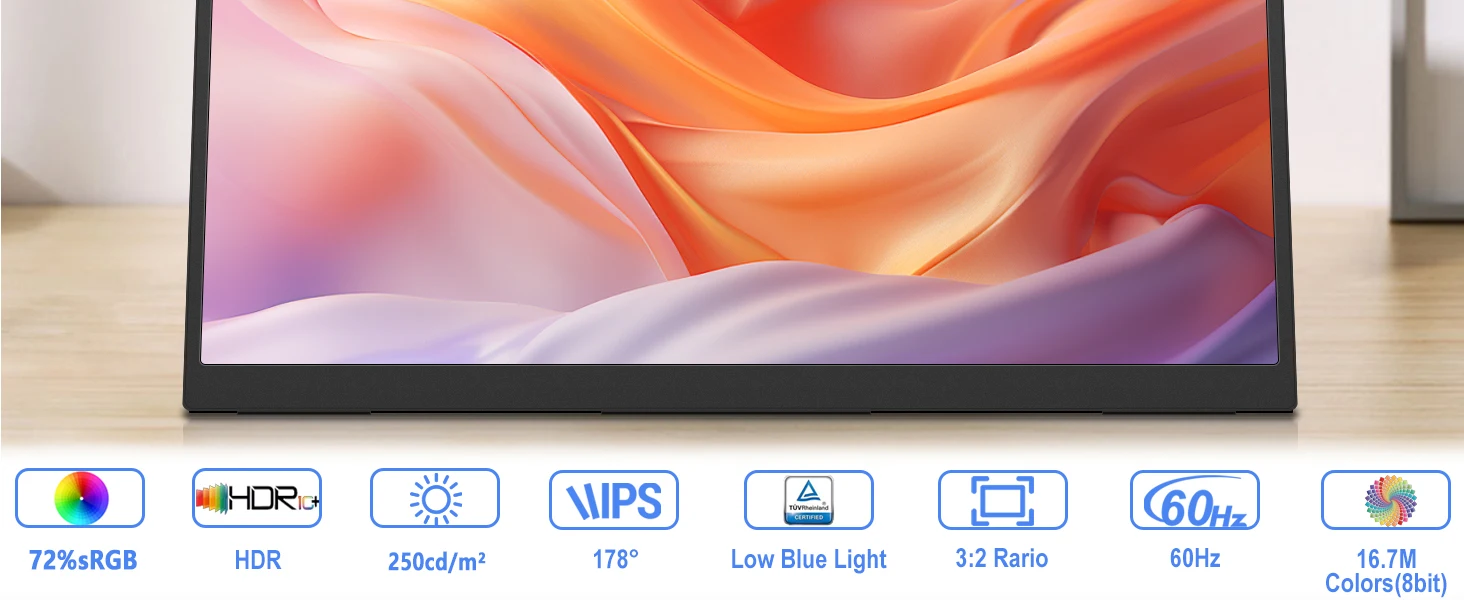
- Matrix color depth: 8 bit
- Refresh rate sync technology: AMD FreeSync
- Screen surface: MATT
- Bracket Type: Ordinary Bracket
- Screen curvature: NONE
- High-Dynamic Range: HDR10
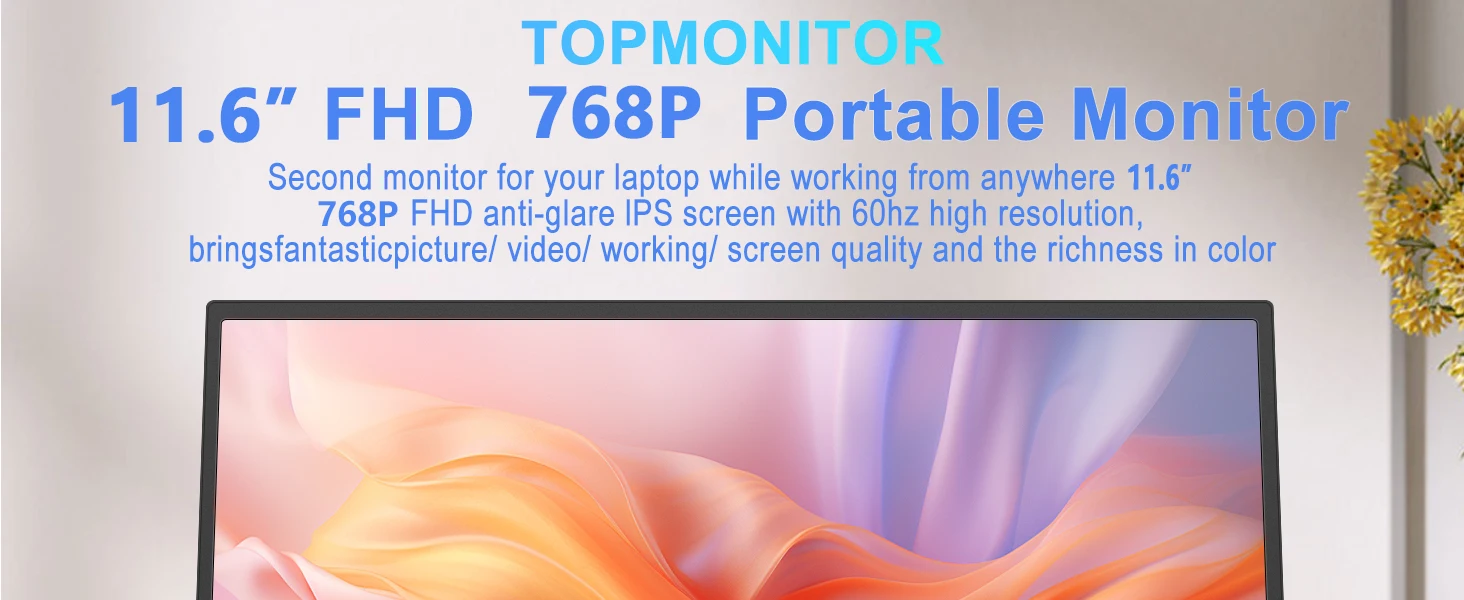
- Display Size: 11"
- Refresh Rate: 60 Hz
- Vertical Viewing Angle: 178°
- Launch Date: 2022
- Horizontal Viewing Angle: 178°
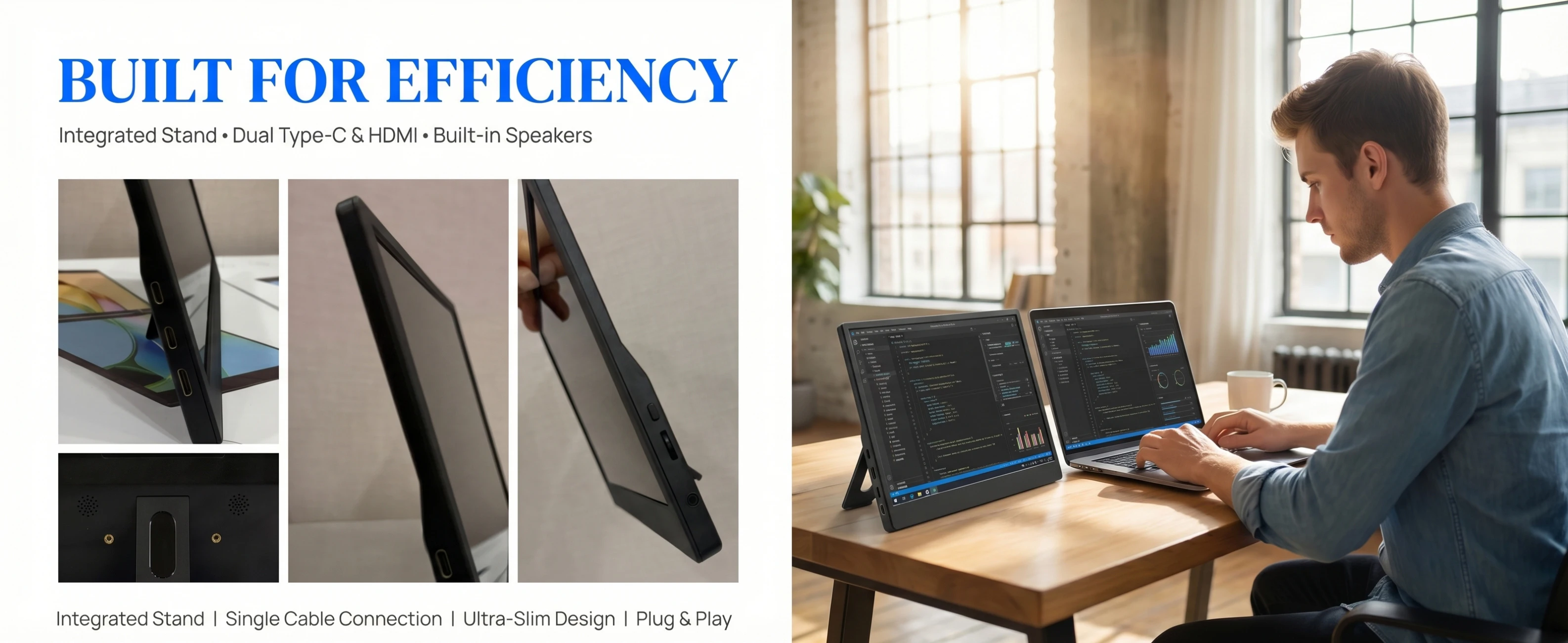
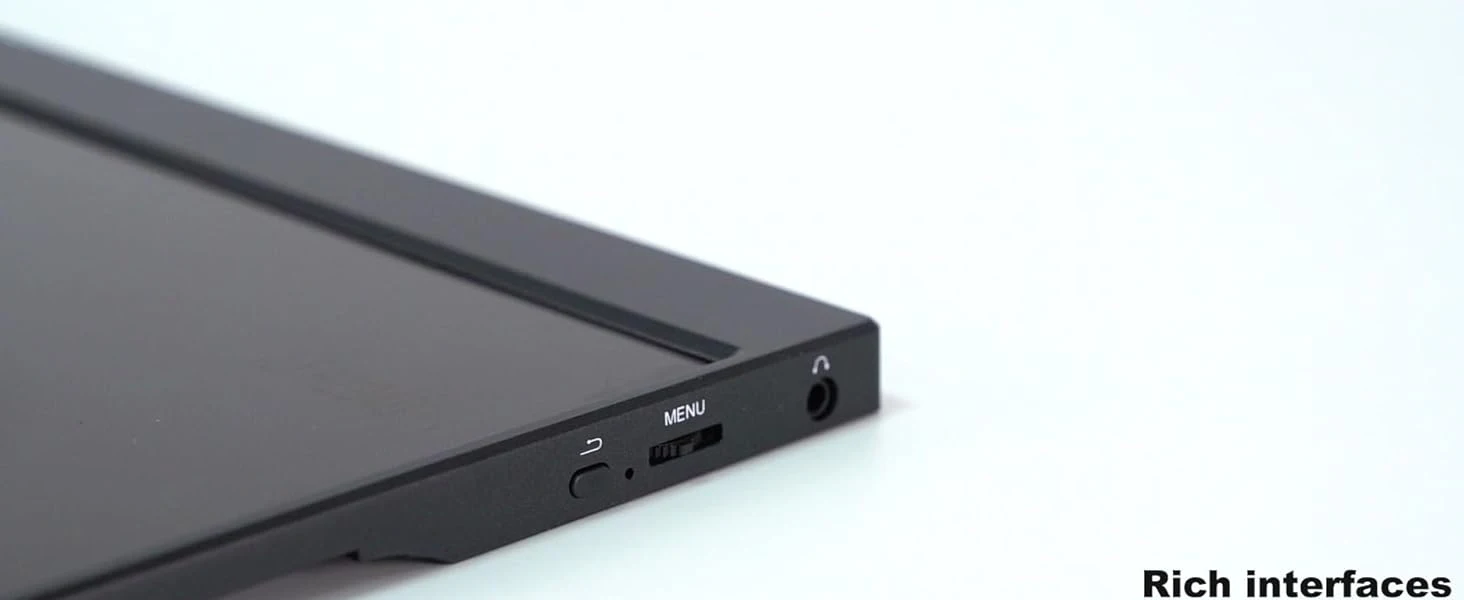
- Built-in Speaker: Yes
- Black and White Response Time: 5 ms
- Feature: Speaker
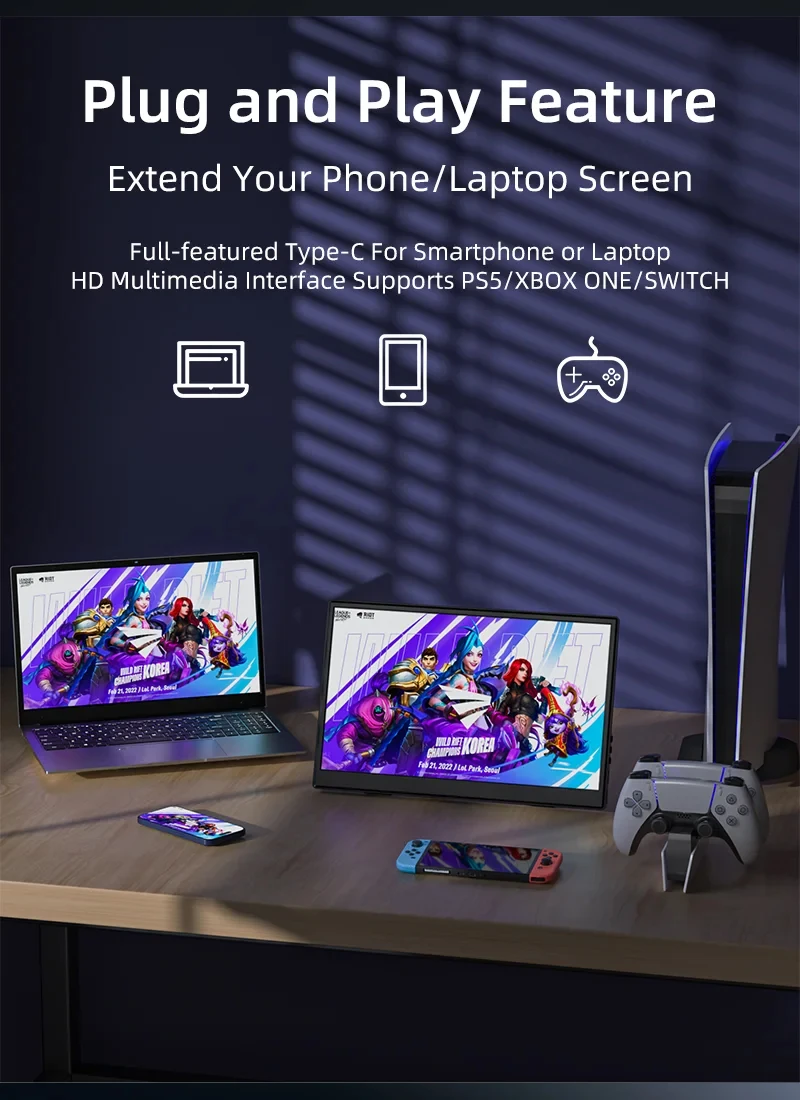
- Application: Laptop
- Response Time: 5ms
- Panel Type: IPS
- Products Status: STOCK
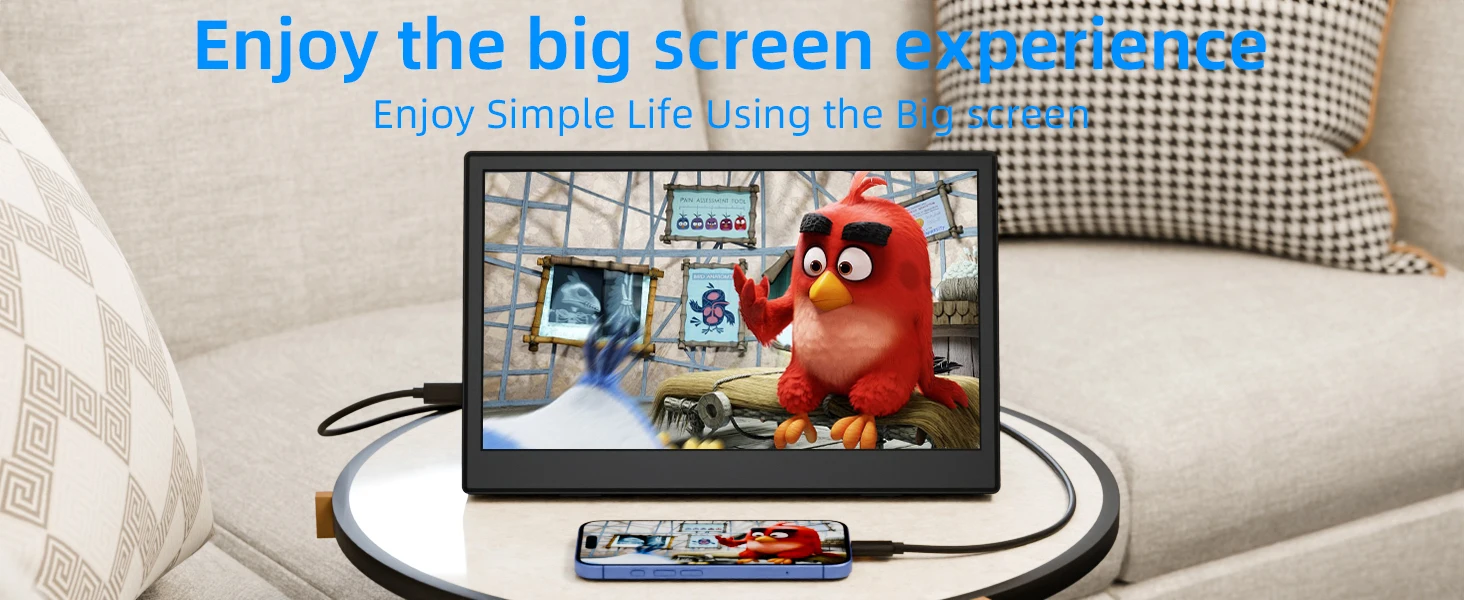
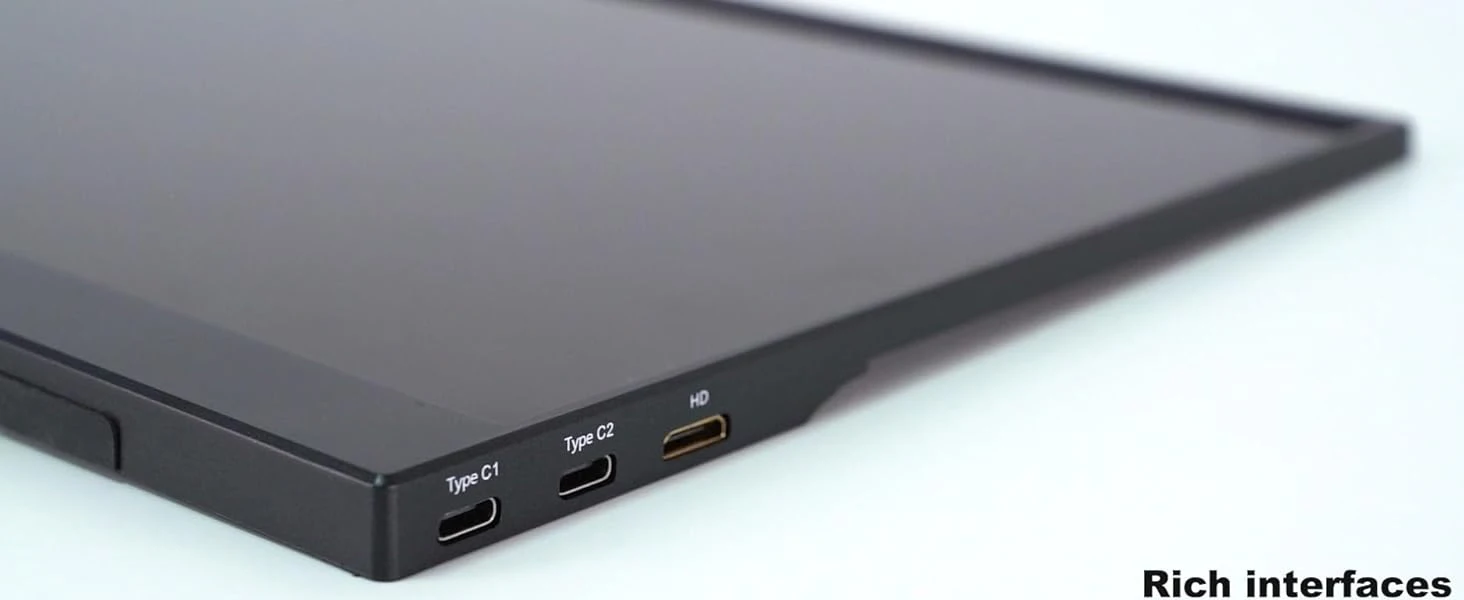
- Interface Type: Type-C
- Brightness: 300cd/m
- Display Ratio: 16:9
- Brand Name: AHXJKA
- Resolution: 1366×768
- Origin: Mainland China
- Screen Type: LED
AHXJKA 10.5-Inch Portable Monitor – The Ultimate Gaming and Multitasking Display for Gamers and Professionals
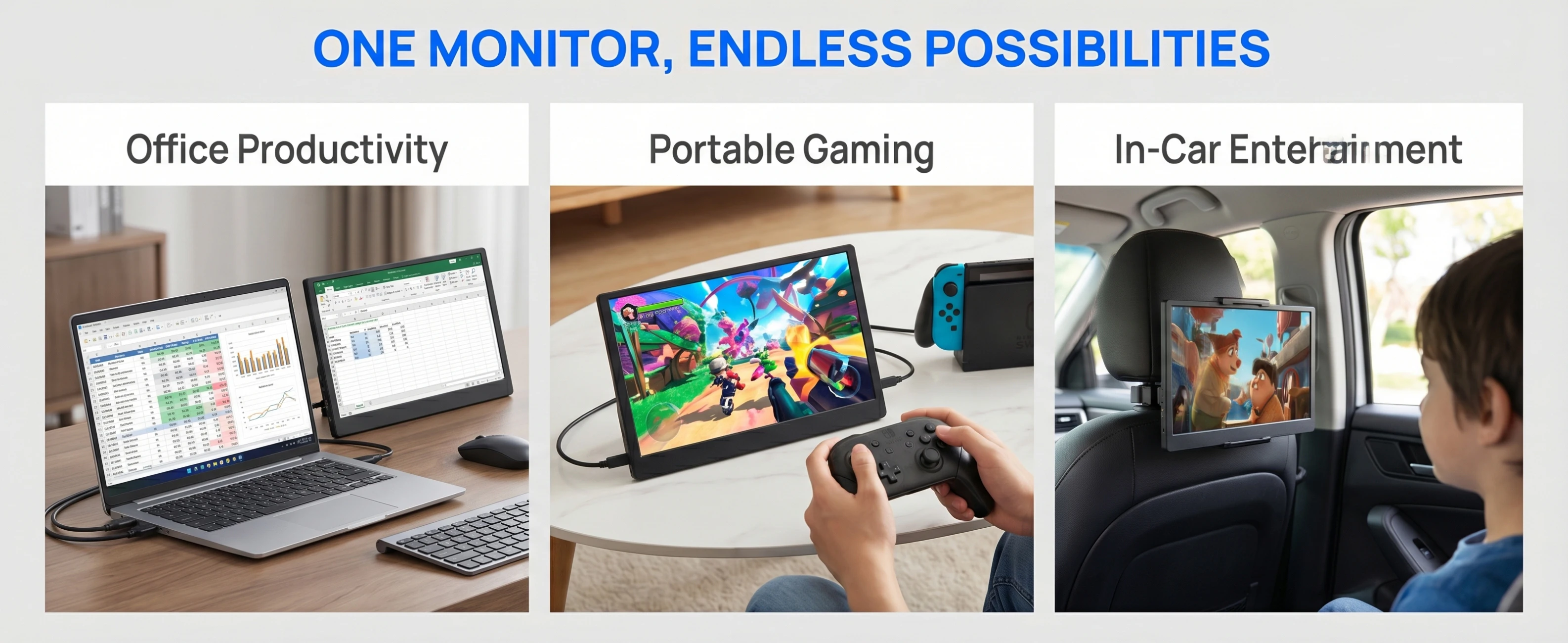
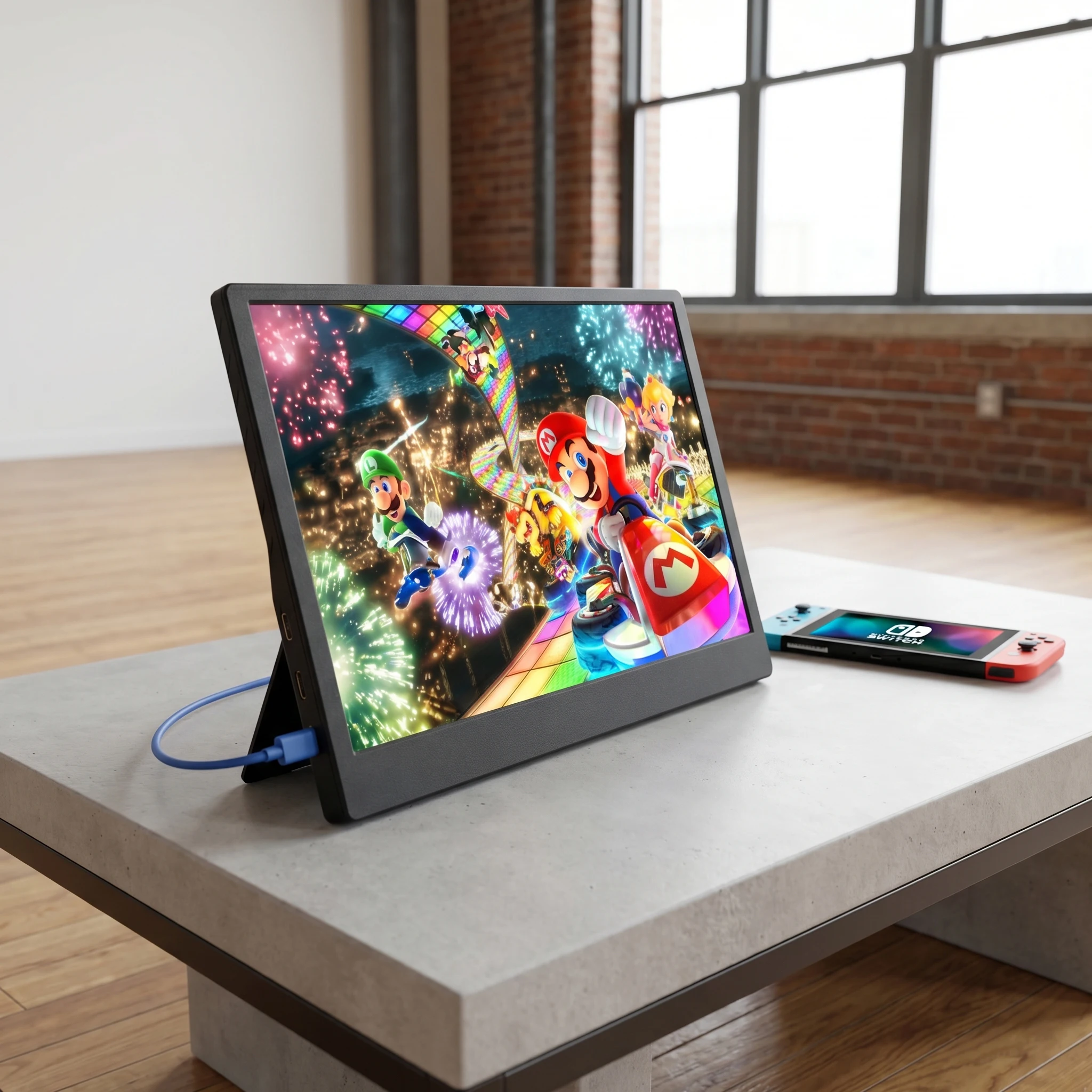
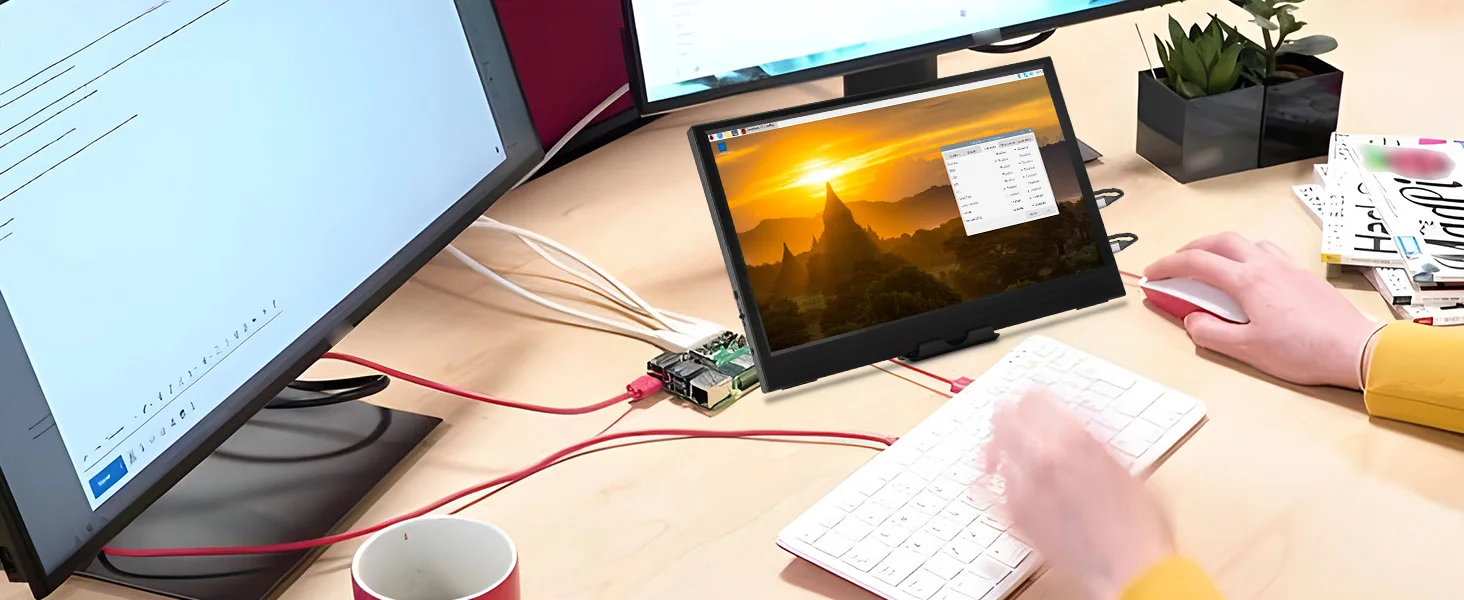
In today’s fast-paced digital world, having a reliable and versatile display is more important than ever. Whether you're a gamer looking to enhance your experience or a professional in need of an extra screen for productivity, the AHXJKA 10.5-Inch Portable Monitor is the perfect solution. Designed with portability, performance, and compatibility in mind, this compact yet powerful display brings high-quality visuals to your fingertips—anytime, anywhere.
A Compact Powerhouse for Gaming and Work
 Whats in the box?
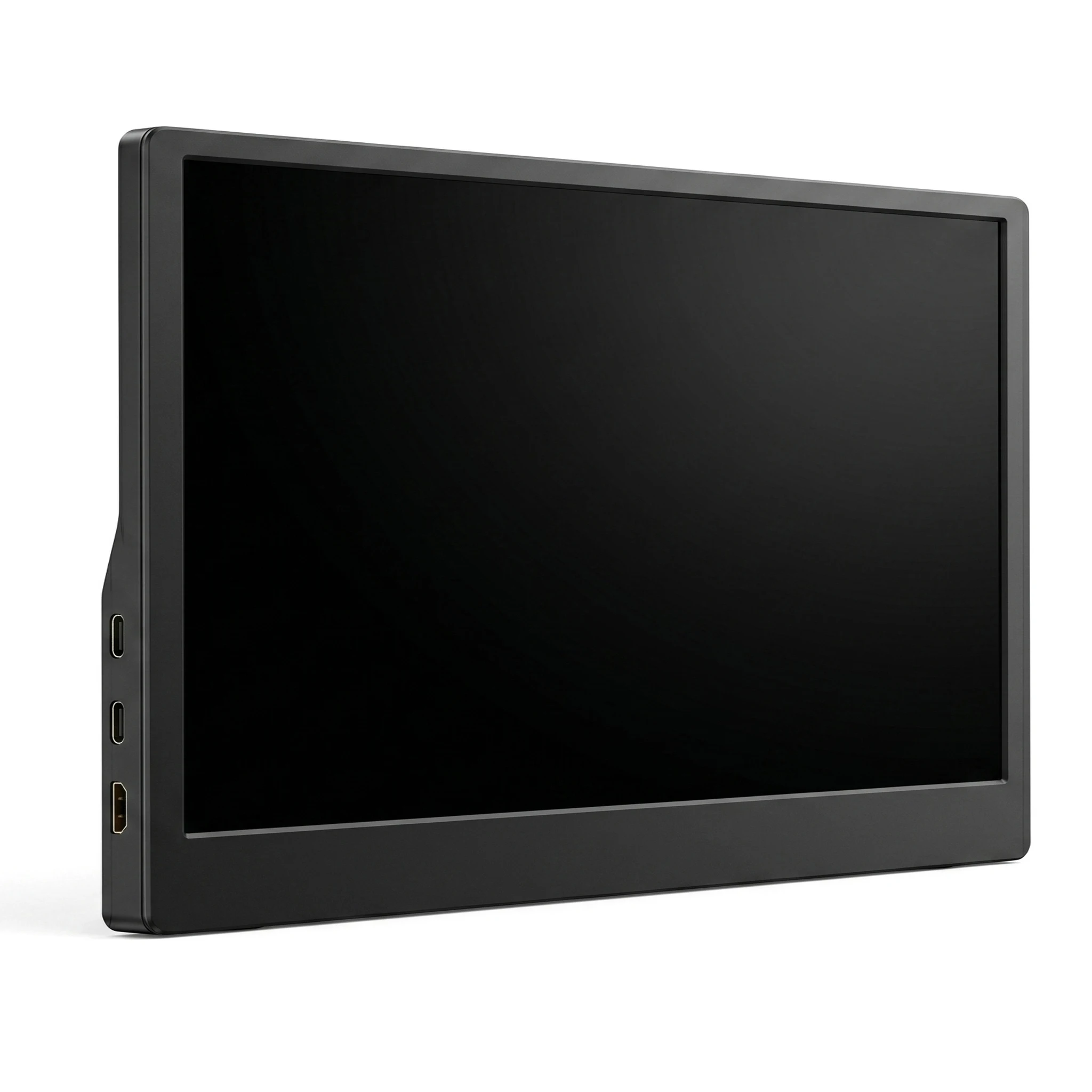
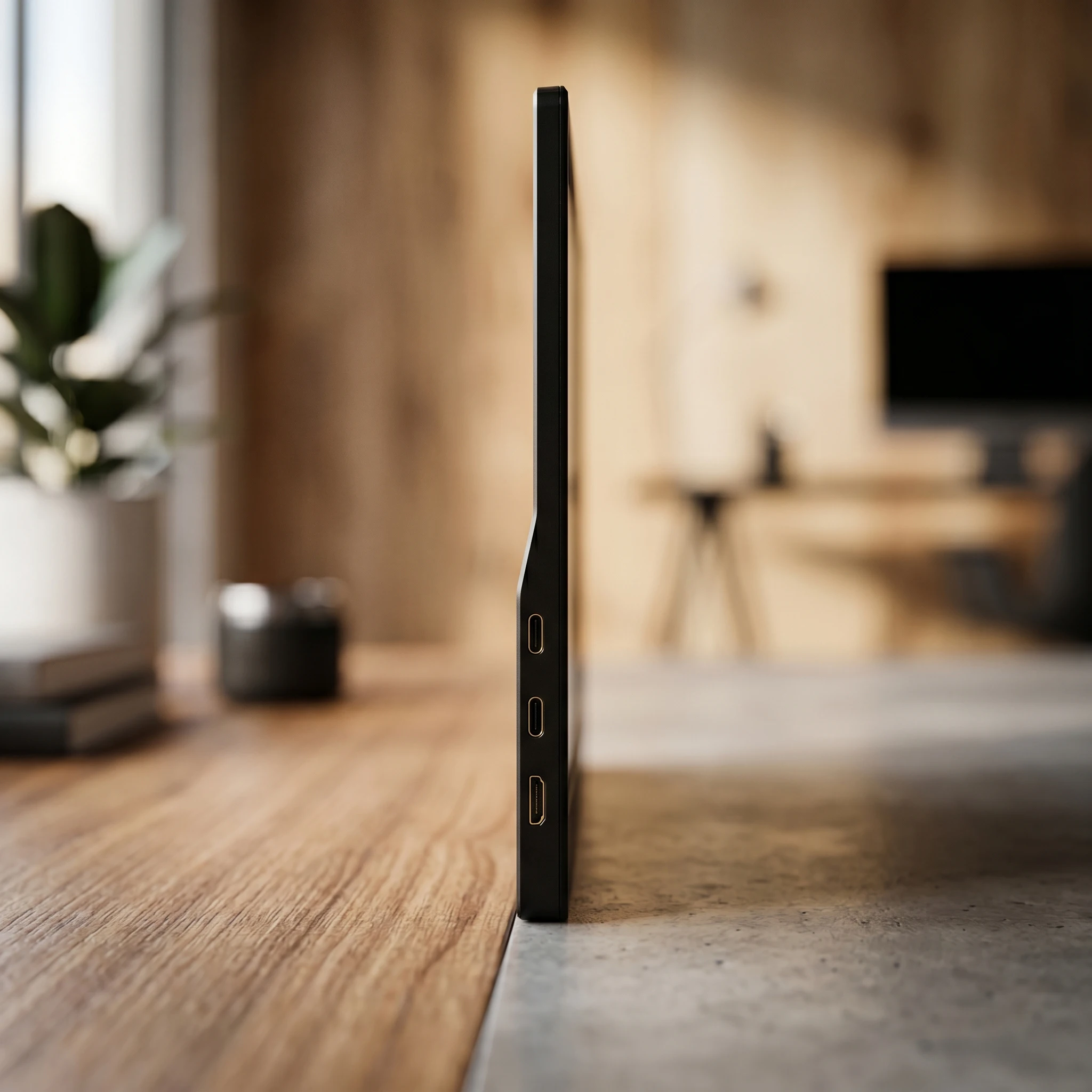
1* Portable Monitor
1*Type-C to Type-C Cable
1*USB-A to Type-C Cable
1*Mini HD Cable
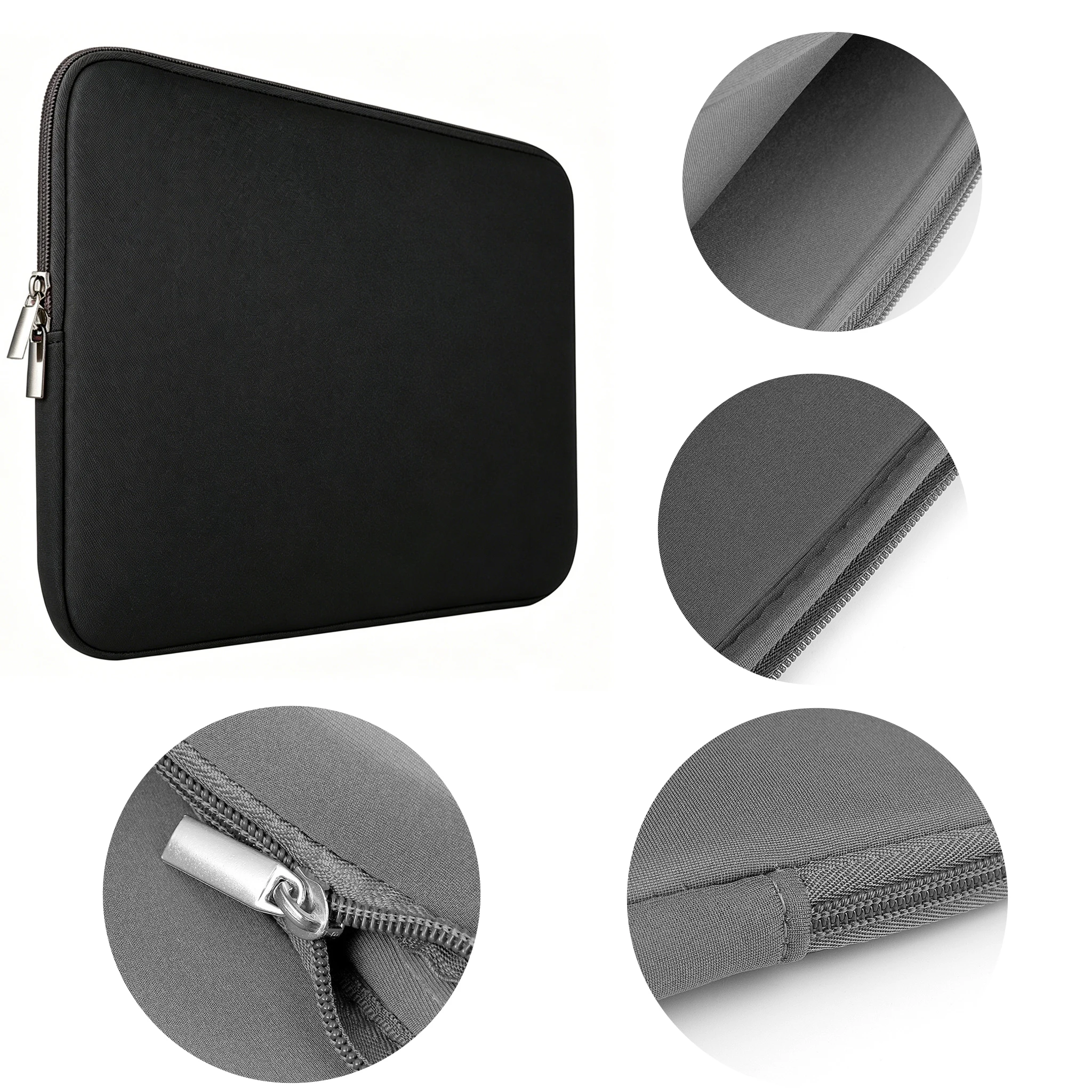
1*Portable Monitor Cover
1* Display bracket
1*Monitor storage bag
Portable Monitor FAQ
Q: The screen shows “blue no signal”
A: This indicates the monitor itself is normal but not receiving any input signal.
For mobile connection: Check if your phone supports USB 3.1 video output, DisplayPort Alt Mode, or MHL. Incompatibility will cause this issue. You can use an HD adapter or Mini HDMI to HDMI cable for signal transmission.
For HDMI connection: Verify the graphics card connection. If a discrete GPU is installed, the video cable must be plugged into the discrete graphics card, not the motherboard port.
Q: Is an external power supply required during use?
A:
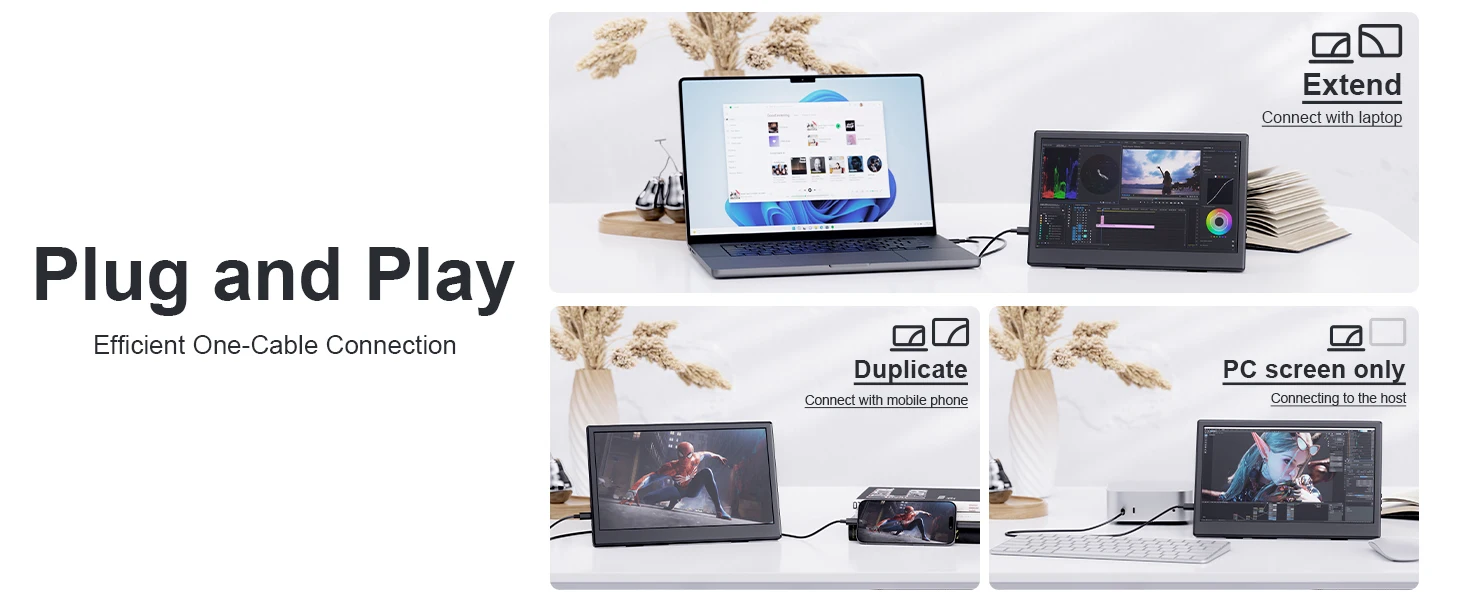
When connected to a laptop via Type-C, no extra power is needed. If flickering occurs due to insufficient power, additional USB power is required.
When using HDMI connection, USB power must be connected at all times.
Q: Why does the screen flicker?
A: Flickering is usually caused by insufficient device output or unstable power supply. We recommend using a PD power adapter of 30W or higher.
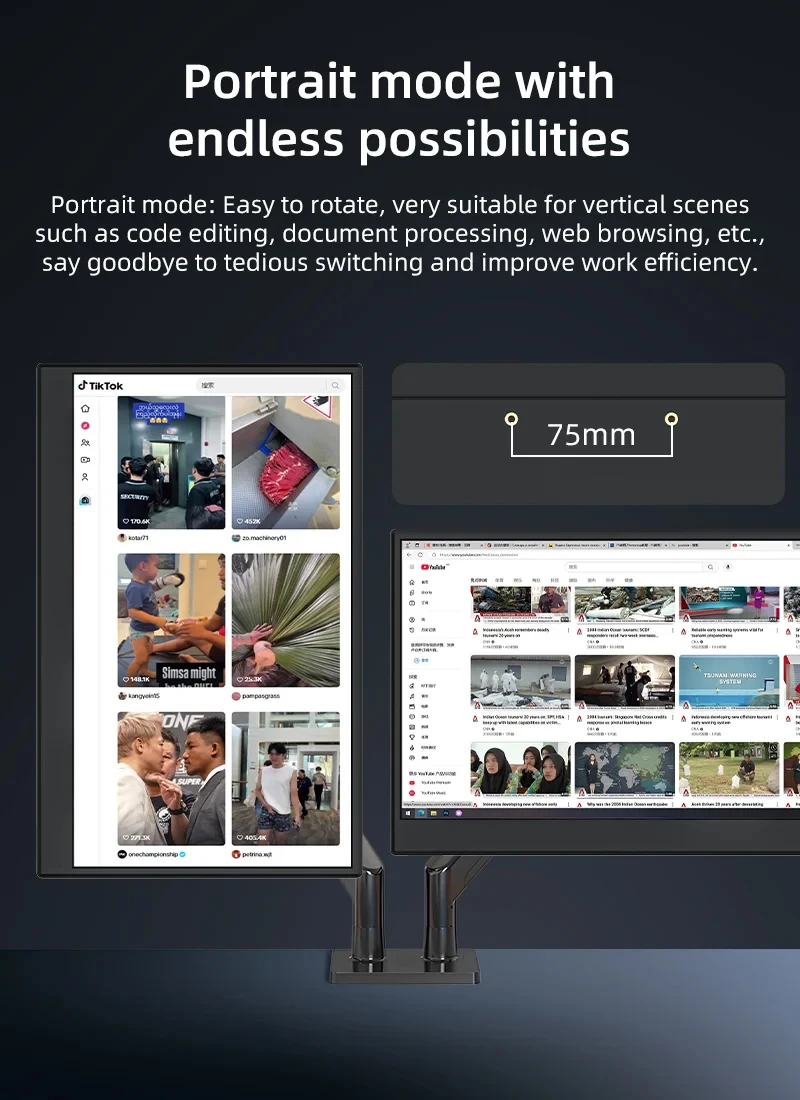
Q: Does it support vertical screen (portrait mode)?
A: The monitor does not natively support vertical screen display. It only outputs images. You can enable portrait mode by setting your phone to computer mode or adjusting display settings on a computer.
Q: Does this monitor support touch function?
A: This product is available in touch version and non-touch version. Please select the correct model according to your needs to avoid wrong purchase.
Q: The monitor cannot power on. What should I do?
A: Check if both the monitor and your device are powered on, and ensure all cables are securely connected. Test with another working device or cable.
USB-C connection: Supports “one-cable solution” (power + signal), drawing power directly from a laptop.
HDMI connection: HDMI only transmits video, so separate power is required. Choose one method:
Use a PD power adapter (30W or above) connected to a wall outlet.
Use a dedicated USB cable powered by a computer USB port (low power may cause dimness, flicker, or black screen).
Q: Why is there a buzzing or static noise from the monitor?
A: First identify the noise source. If it comes from the interface, re-plug the cable or replace it. If from the adapter or speaker, it may be due to poor quality of the power adapter.
Q: Why is the touch function not working?
A:
Confirm you purchased the touch-enabled model.
Check connections: For PC/laptop, connect HDMI, power cable, and dedicated touch cable. For USB-C, the port must support USB 3.1 or Thunderbolt 3.
For mobile phones: Screen mirroring is supported, but touch may not work in desktop or extended mode.
For computers: Touch accuracy may be affected if the monitor is set as the main display; it works better in secondary or extended mode.
Q: Does it support VESA mount?
A: Yes, it supports standard VESA wall mounting.
Q: Does this monitor have built-in speakers?
A: Yes, it is equipped with built-in speakers.
Q: Is it compatible with iPhones?
A: Generally not supported. After testing, only iPhone 15 Pro supports screen mirroring, but vertical screen and touch functions are unavailable.








Reviews
There are no reviews yet.