Product Name: TWS
Bluetooth compatibility: Bluetooth compatible with V5.3, high-definition binaural communication
Product Speaker: F10
Working hours: 2-5 hours, the charging case can charge the earphones 3 times.
Charging time: approximately 45 minutes
Communication distance: up to 15 meters
Packaging size: approximately 10 * 8 * 3cm
Note:
Due to differences in display and lighting effects, the actual color of the item may be slightly different from the color shown in the picture. Thank you.
Due to manual measurement, please allow for a measurement deviation of 1-2cm.
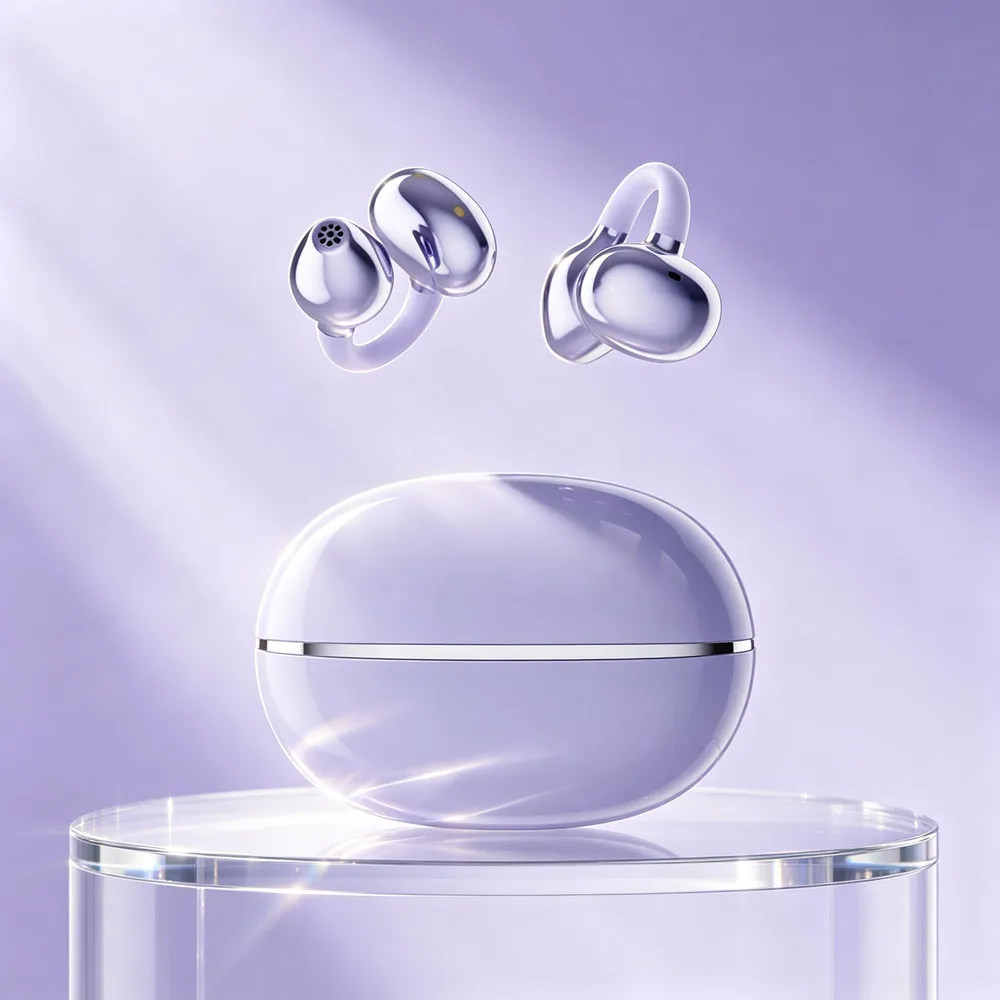
2 earphones
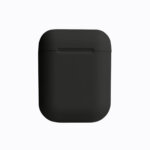
1 charging case
1 x data cable
1 User
Wireless Bluetooth Earphone Connection Tutorial (General Steps)
1. First pairing connection (using a mobile phone as an example)
Enable headphone pairing mode
Open the charging room Long press the power button for 3-5 seconds until the indicator light alternately flashes white/red blue.
How to avoid disconnecting headphones
1. Keep the device within a range of 10 meters
Bluetooth effective range: generally within 10 meters. Beyond this range, the signal weakens and it is easy to disconnect.
Adjustable volume headphones
1. Check the device volume settings
Increase media volume:
Mobile/Computer: Press the volume button to adjust to maximum, or go to Settings Sound Ensure that the media volume is turned up.
Attention: The call volume and media volume are separate, please make sure to adjust the media volume (such as when playing music).
How to wear headphones
1. Distinguish between left and right earphones
Headphones are usually labeled with L (left) and R (right). Before wearing, please confirm the direction and avoid wearing backwards, as this may affect the fit.
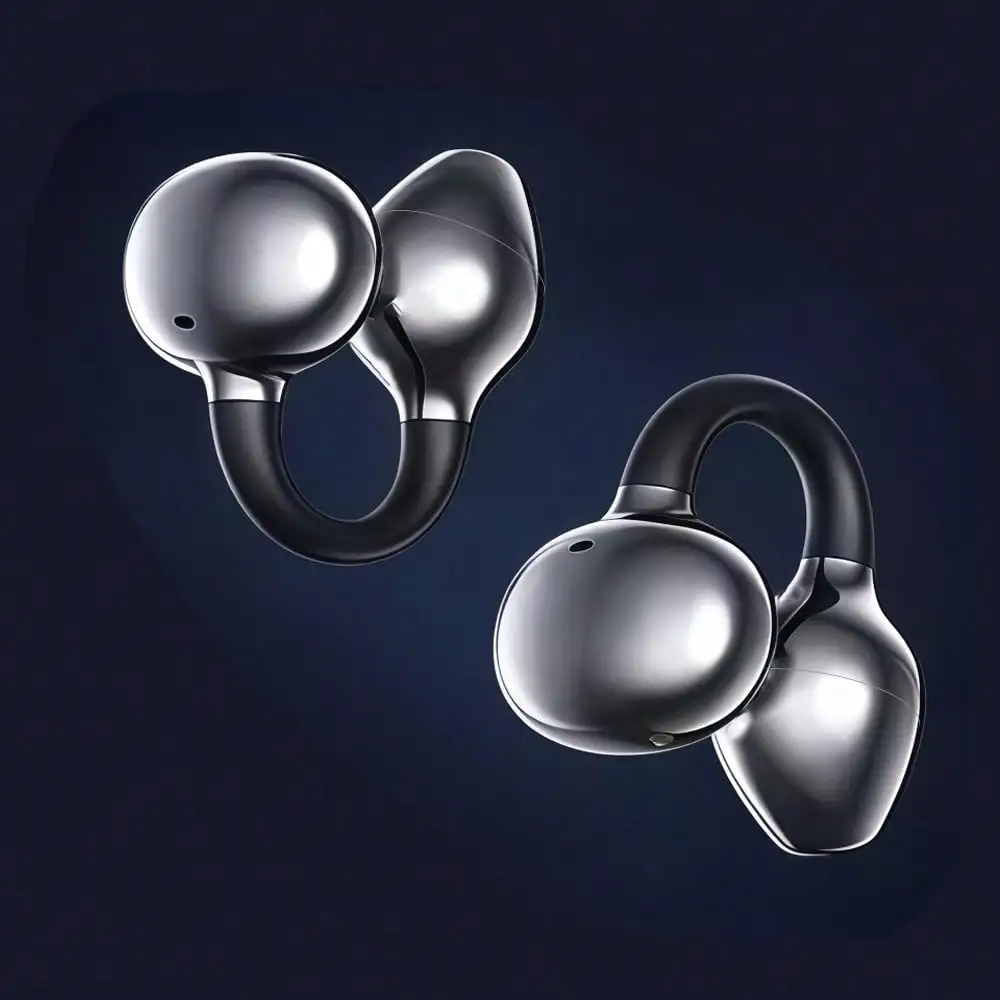
2. Adjust the ear clip area
Clip design: The earphones are fixed on the auricle with elastic clip arms, and the following steps are required when wearing:
Pinch the arm with your thumb and index finger and gently stretch the elastic part.
Align the headphone unit with the ear canal and wrap the arm around the back of the auricle (similar to the position of the eyeglass legs).
Slowly release the clamp arm and let it naturally grip the ear, avoiding excessive force and preventing pressure.
How to charge and power on headphones
Confirm charging interface
Most headphones use a USB-C interface (some older models may be Micro USB)
Insert the original or compatible charging cable into the headphone charging port and connect the other end to a 5V/1A~2A adapter or computer USB port.
The headphone indicator light remains on/flashing during the charging process (usually red indicates charging, green indicates fully charged).
charging time
Usually takes 1-3 hours, please refer to the user manual for details.
It is recommended to fully charge the device before starting it for the first time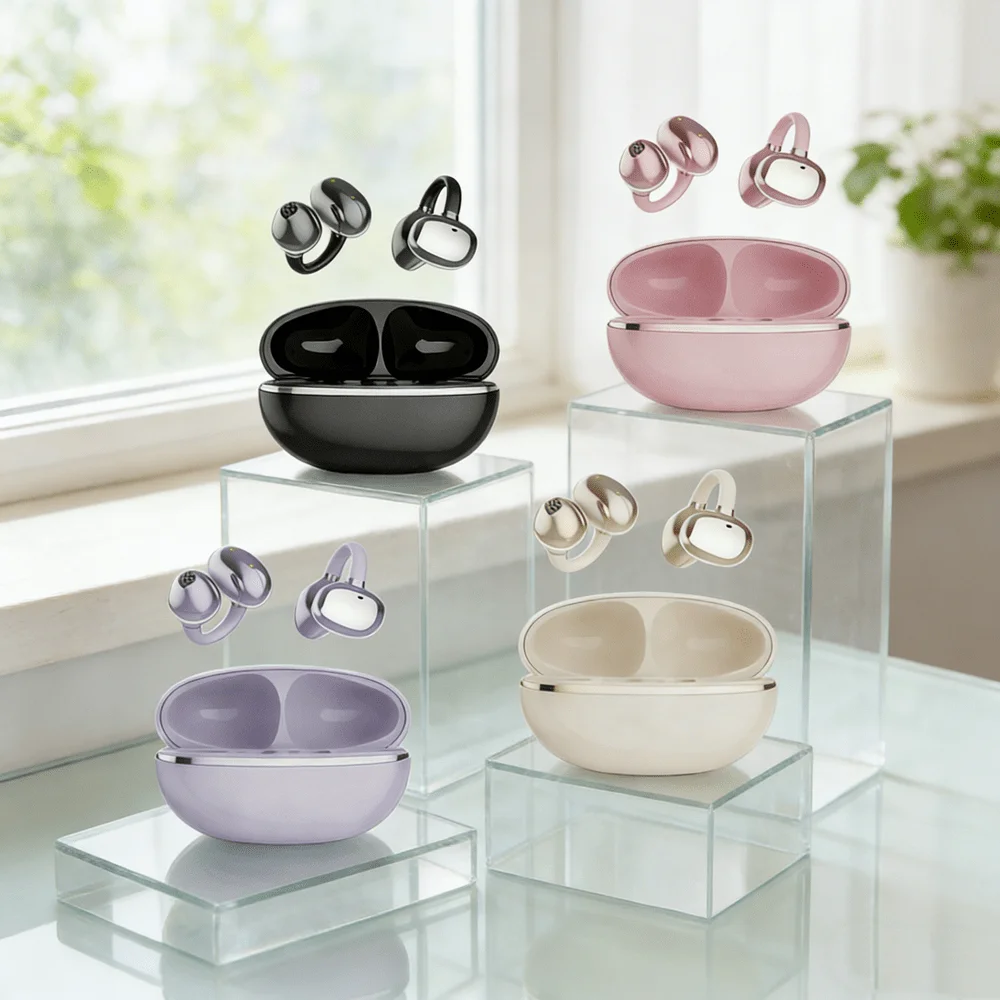








Reviews
There are no reviews yet.