Description
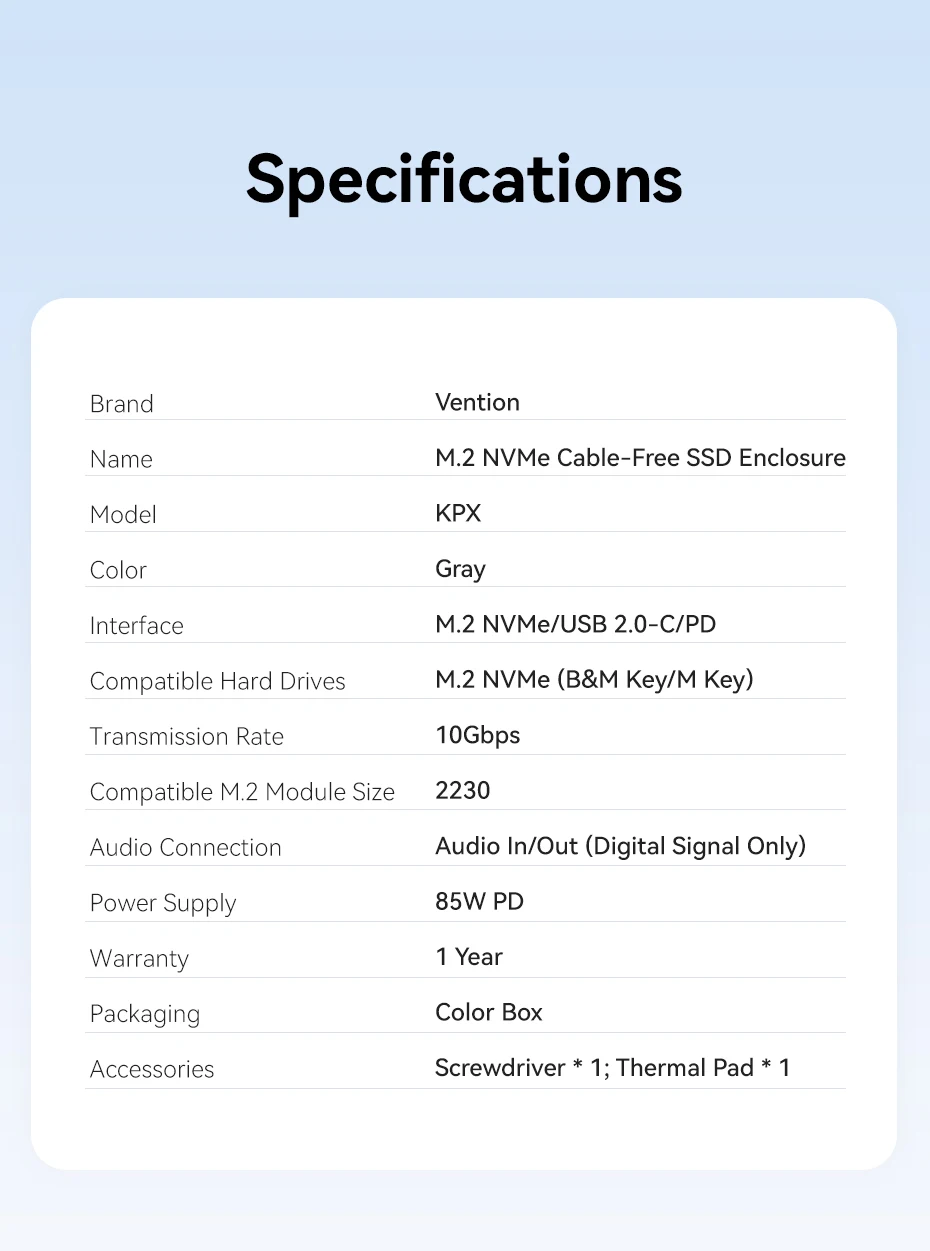
- Hard Disk Types: M.2 SSD
- High-concerned chemical: None
- Supporting Hard Drive Capacity: 2TB
- External Interface: USB
- Package: Yes
- Size: 1.8"
- Model Number: KPX
- Brand Name: Vention
- Case Material: aluminum
- Origin: Mainland China
- Name: Vention M.2 NVMe 2230 Enclosure
- Function 1: USB 3.2 10Gbps
- Function 2: PD 85W
- Function 3: Built-in UsB-C Audio Port
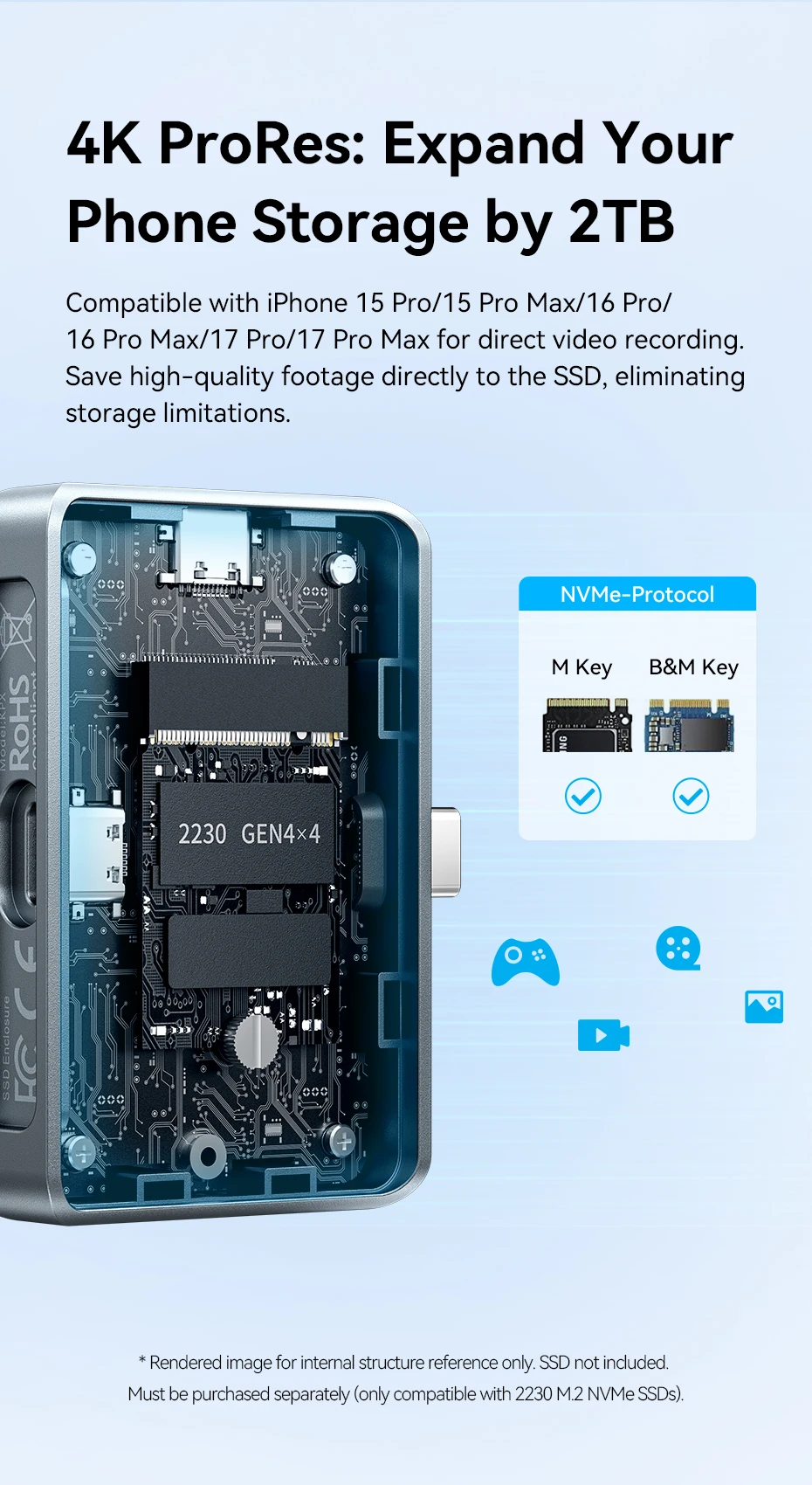
- Function 4: Only For 2230 SSD
Vention M.2 NVMe 2230 Plug in SSD Mobile Hard Drive Case (with Fast Charging and Audio Interface)
Supports USB 3.2 Gen 2 Type-C, with a theoretical transfer speed of up to 10Gbps.
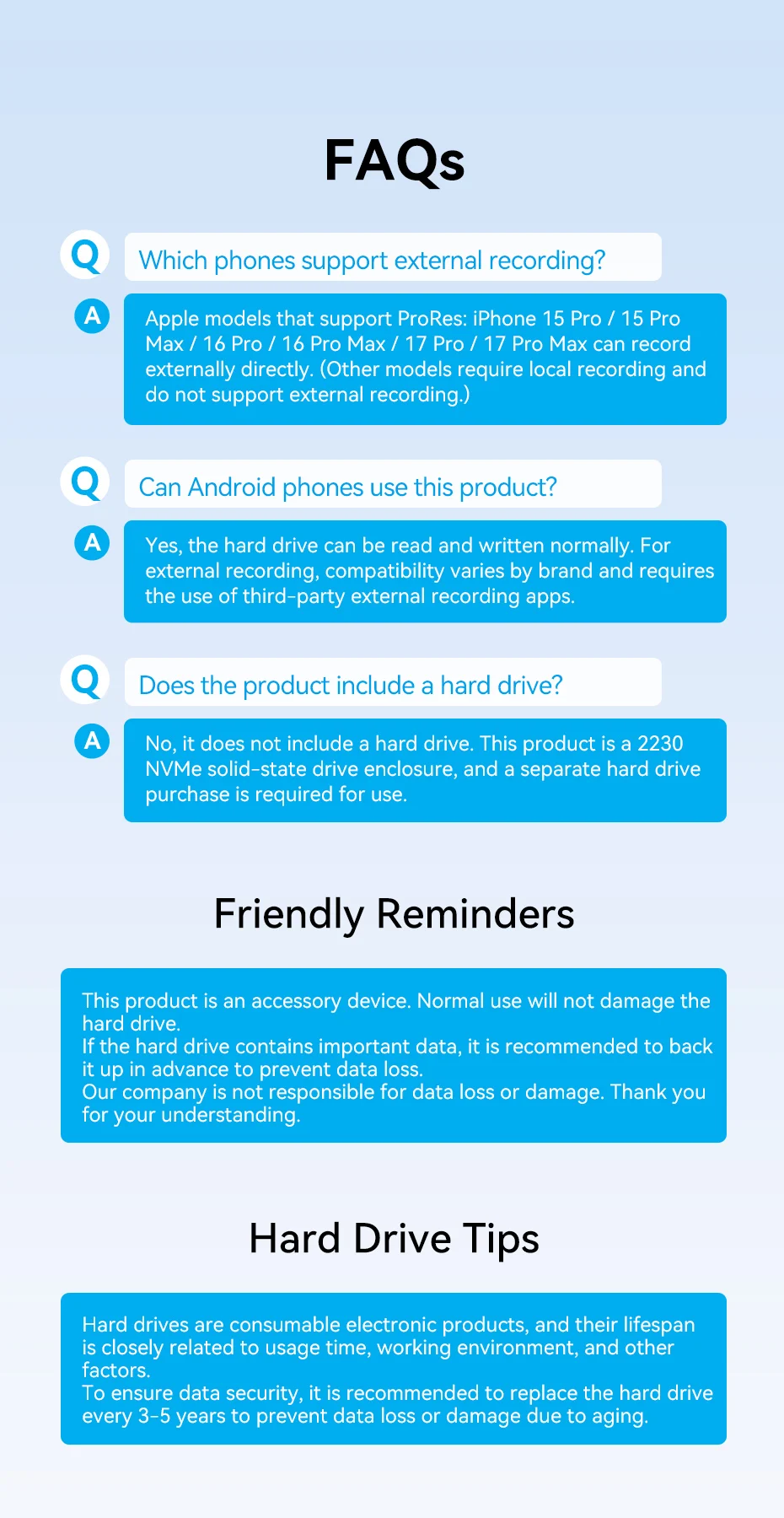
Record 4K ProRes videos directly with iPhone
Compatible with iPhone 15 Pro/Pro Max and above models, it can directly record and store to an external SSD.
Supports up to 2TB expansion, suitable for professional video creators.
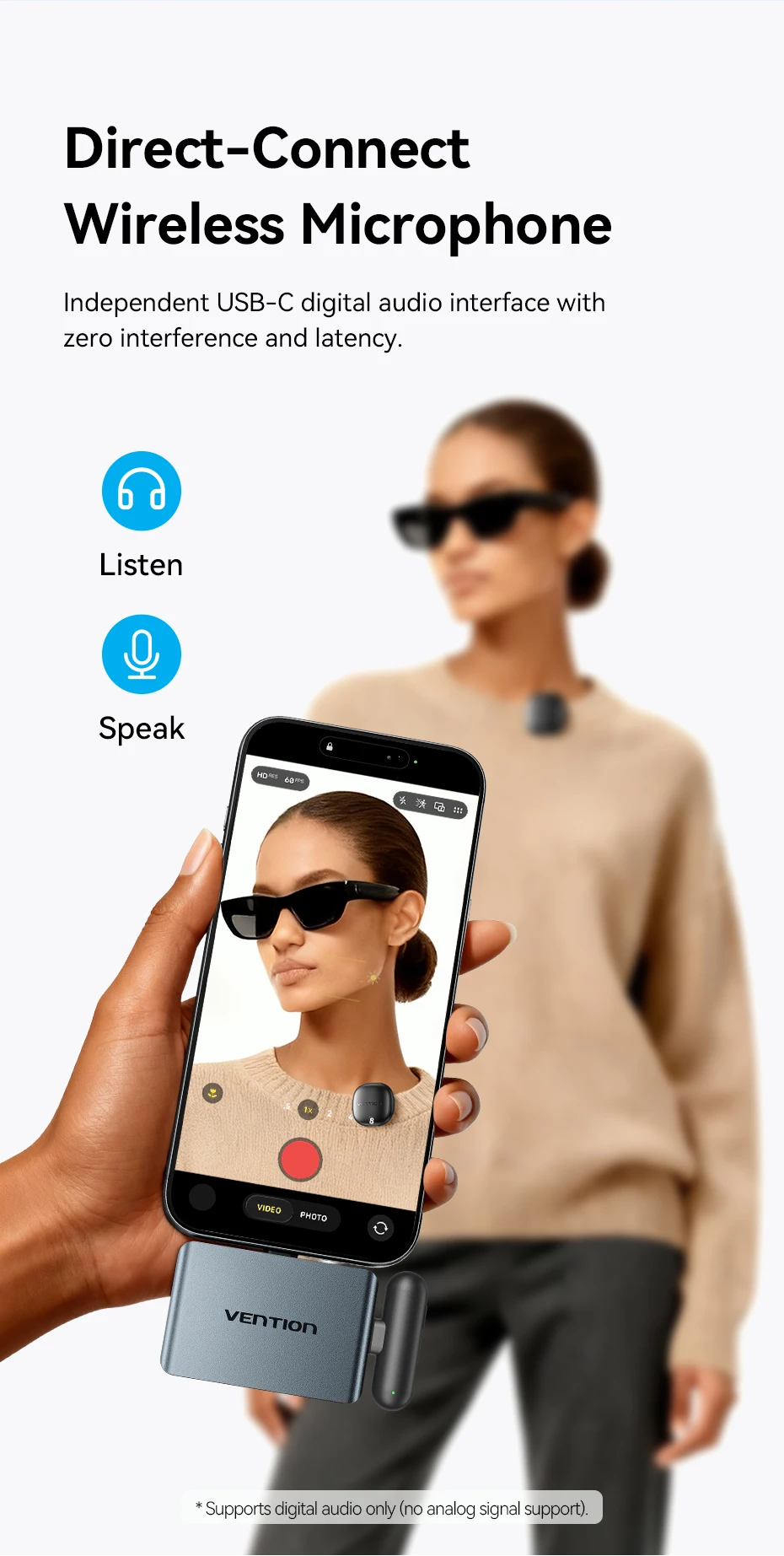
Built in independent USB-C digital audio interface
Support connecting direct insertion wireless microphones to achieve zero interference and zero delay digital audio transmission.
Provide high-quality audio solutions for video creation, live streaming, and interviews. (Note: Only supports digital audio, not analog signals)
Winner of 4 International Awards

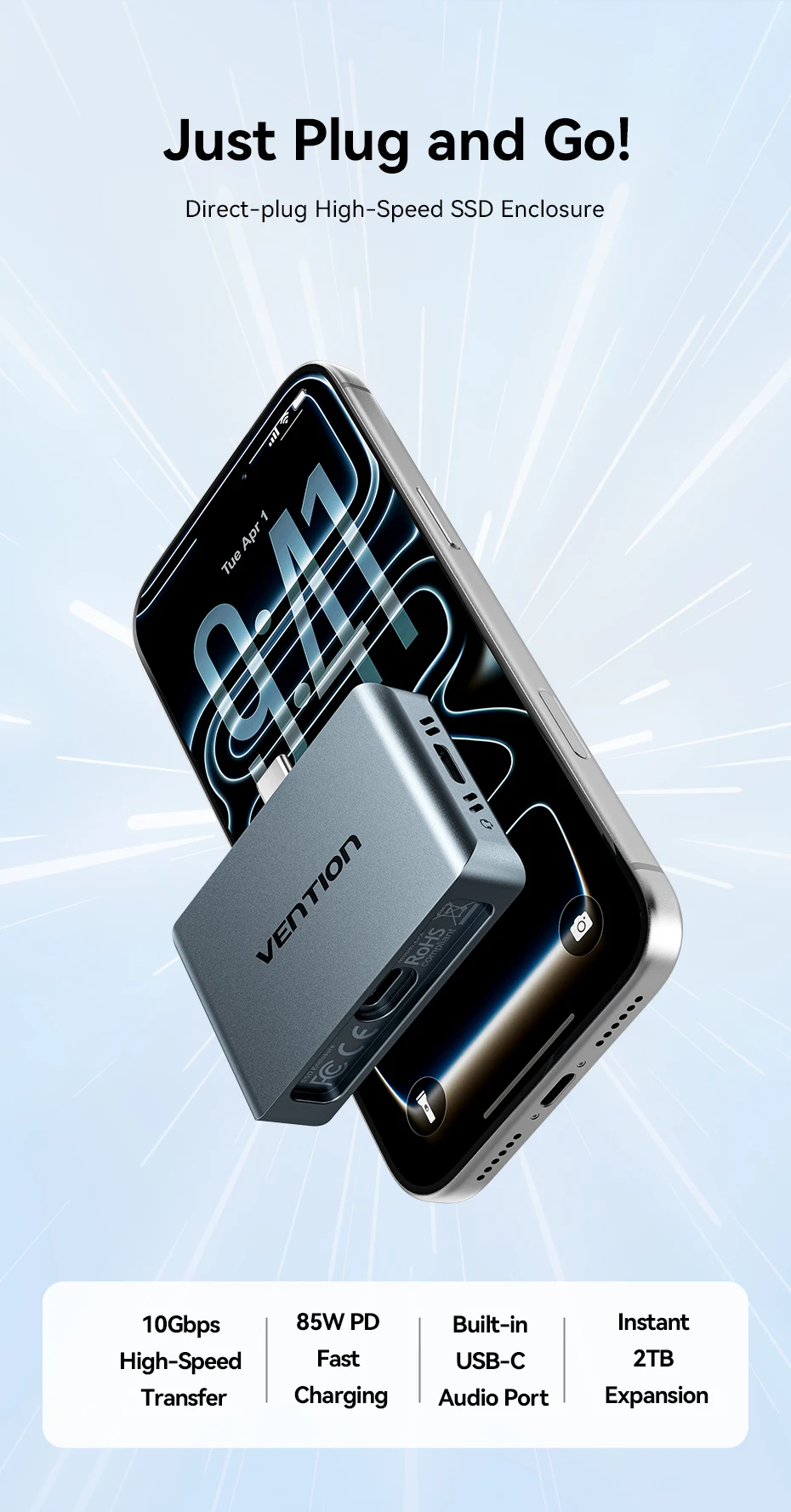
Direct-plug High-Speed SSD Enclosure
1.10Gbps High-Speed Transfer
2.85W PD Fast Charging
3.Built-in UsB-C Audio Port
4.Instant 2TB Expansion
Transfers ~1GBin About 1 Second
M.2 NVMe to USB 3.2 Gen2 Type C,up to 10Gbps theoretical transfer speed.
1 AAA Blockbuster Game 70GB≈76s
100 DSLR Video Clips 20GB≈ 22s
1 Ful! 4K Movie 42GB x 45s
1000 High-resolution Photos 5GB≈ 5.5s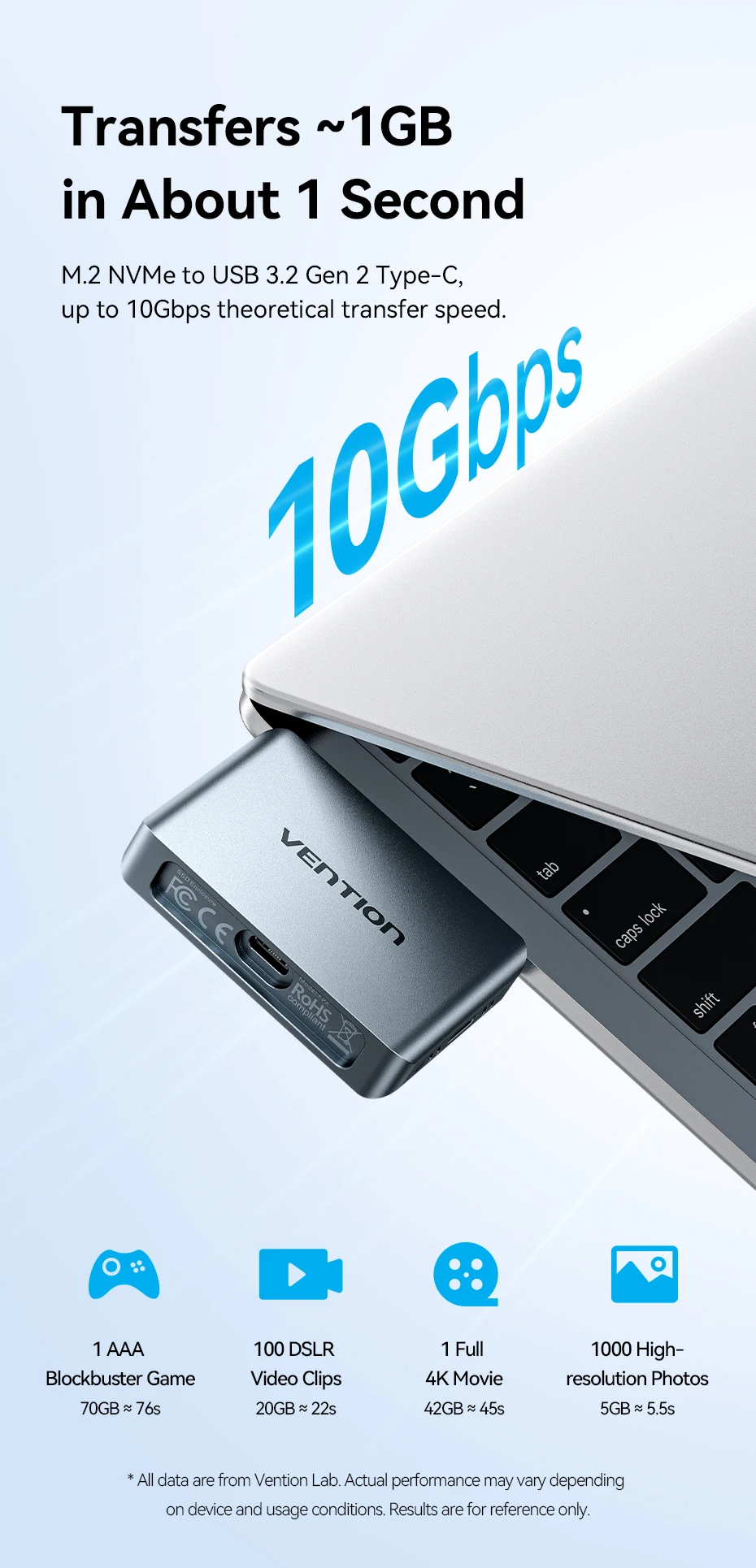
4K ProRes: Expand YourPhone Storage by 2TB
Compatible with iPhone 15 Pro/15 Pro Max/16 Pro/16 Pro Max/17 Pro/17 Pro Max for direct video recordingSave high-quality footage directly to the SSD, eliminatingstorage limitations.
Direct-Connect Wireless Microphone
Independent USB-C digital audio interface withzero interference and latency
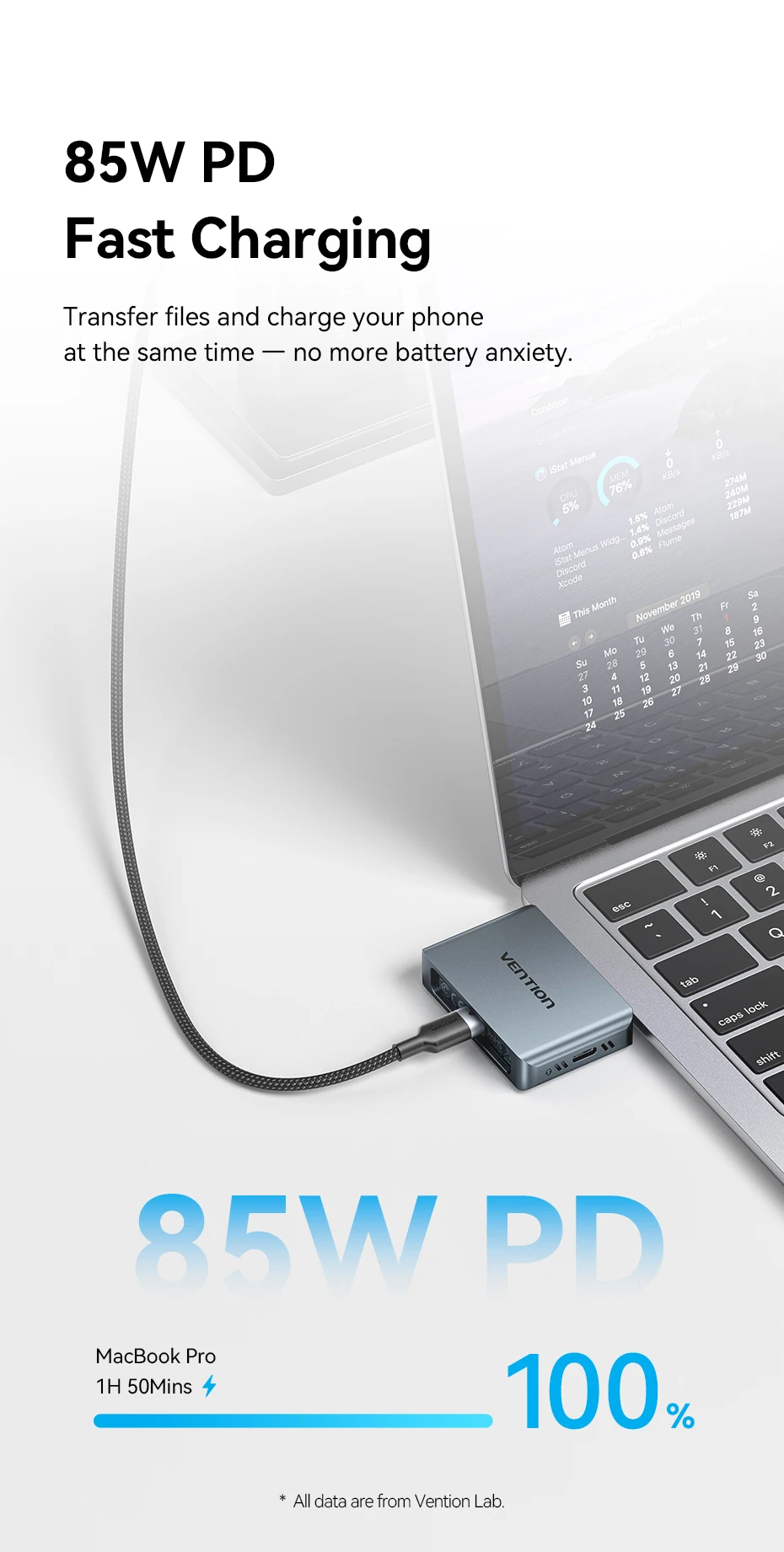
85W PD Fast Charging
Transfer files and charge your phoneat the same time – no more battery anxiety.
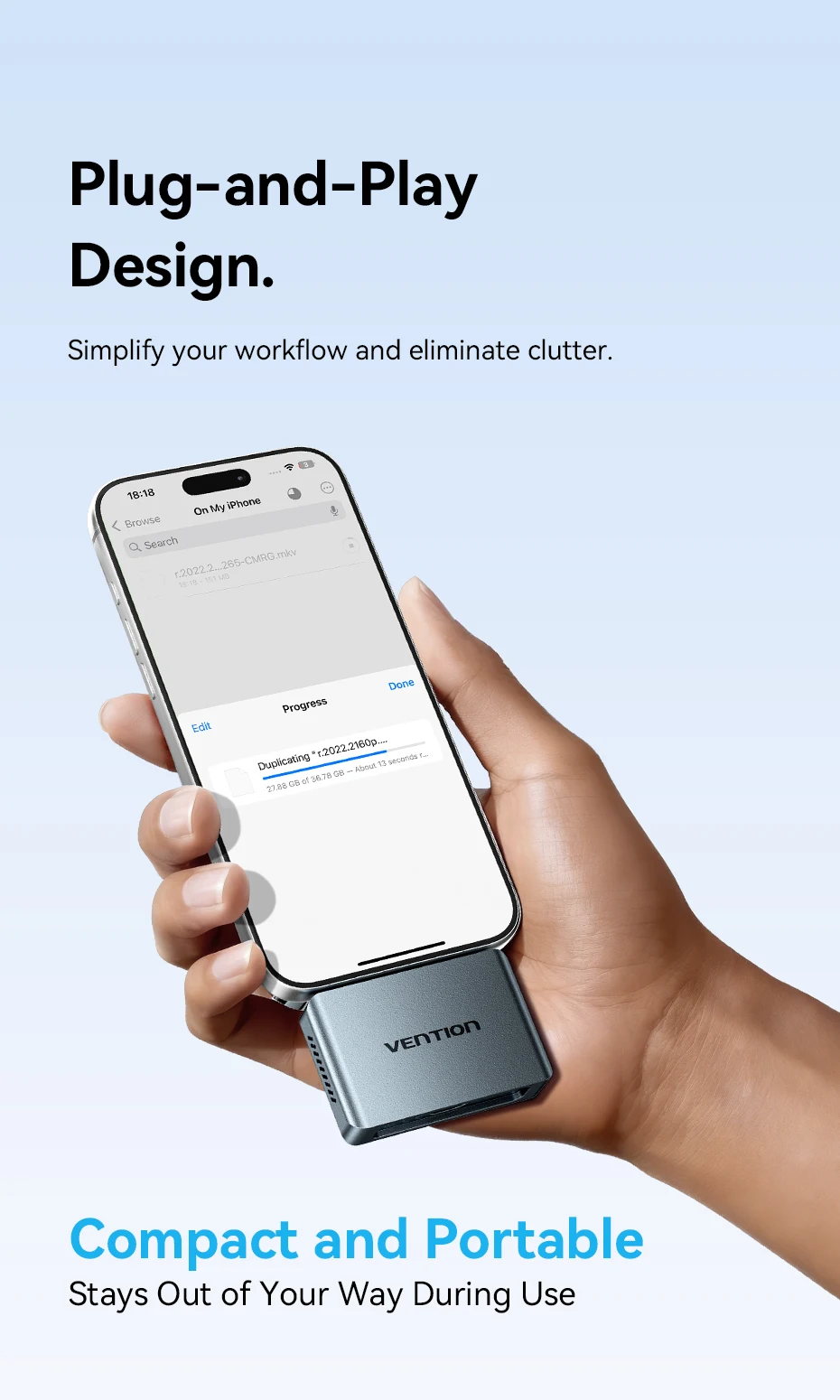
Plug-and-Play Design
Simplify your workflow and eliminate clutter.
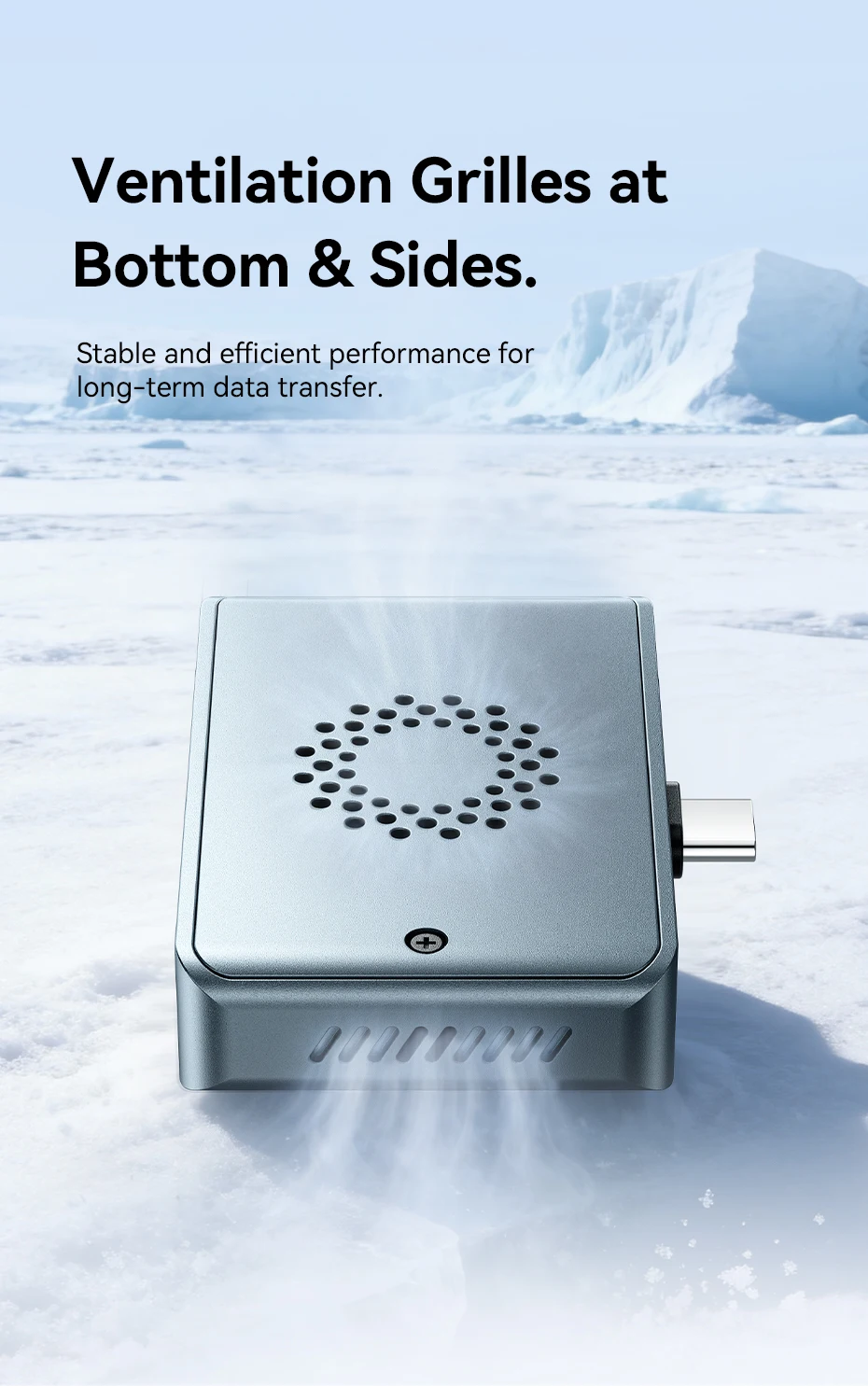
Ventilation Grilles at Bottom & Sides.
Stable and efficient performance forlong-term data transfer.
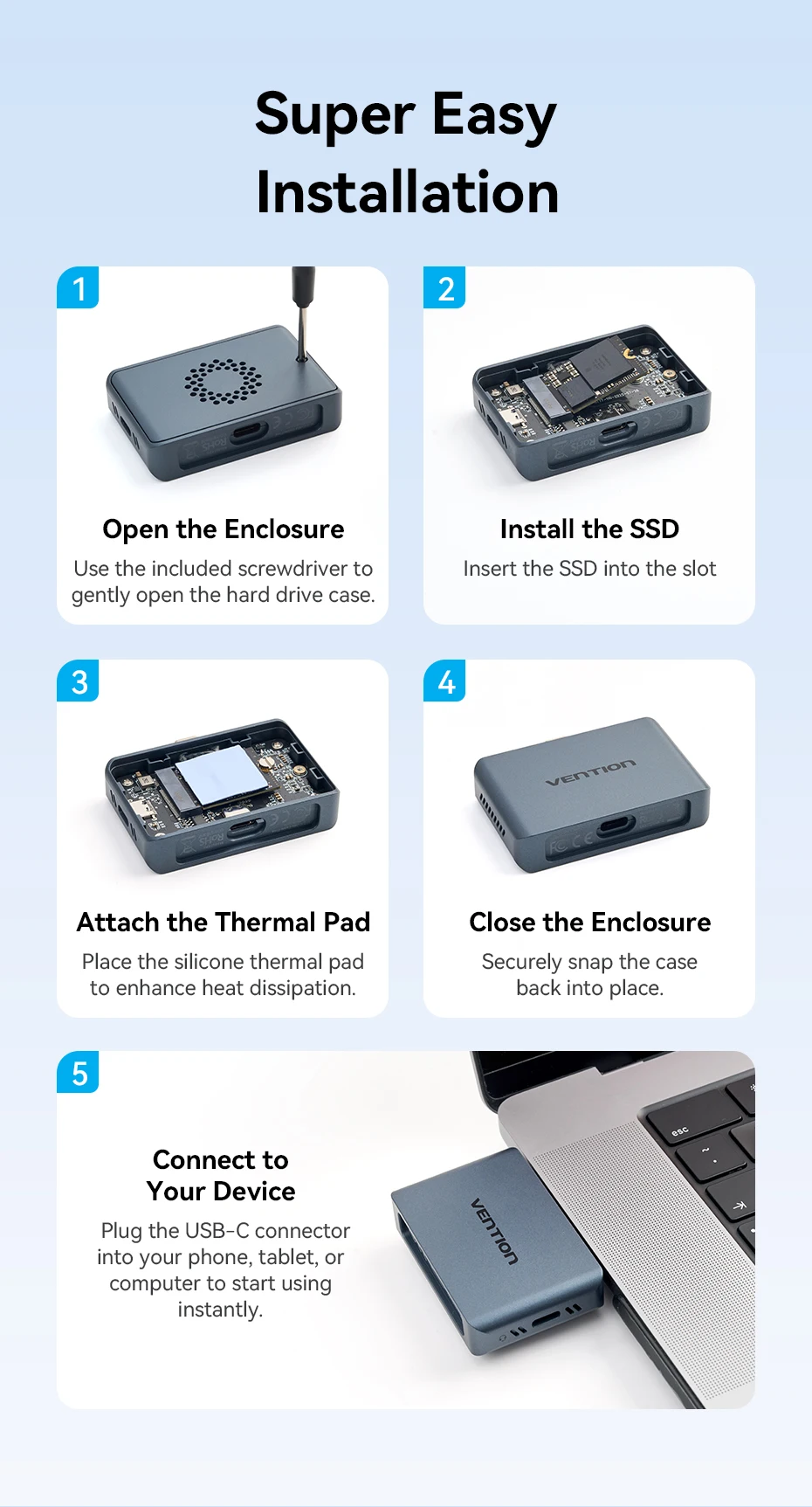
Super Easy Installation
1.Open the Enclosure
Use the included screwdriver togently open the hard drive case.
2.Install the SSD
Insert the SSD into the slot
3.Attach theThermal Pad
Place the silicone thermal padto enhance heat dissipation.
4.Close the Enclosure
Securely snap the caseback into place.
5.Connect to
Your Device Plug the USB-C connectorinto your phone, tablet, orcomputer to start usinginstantly
Specifications
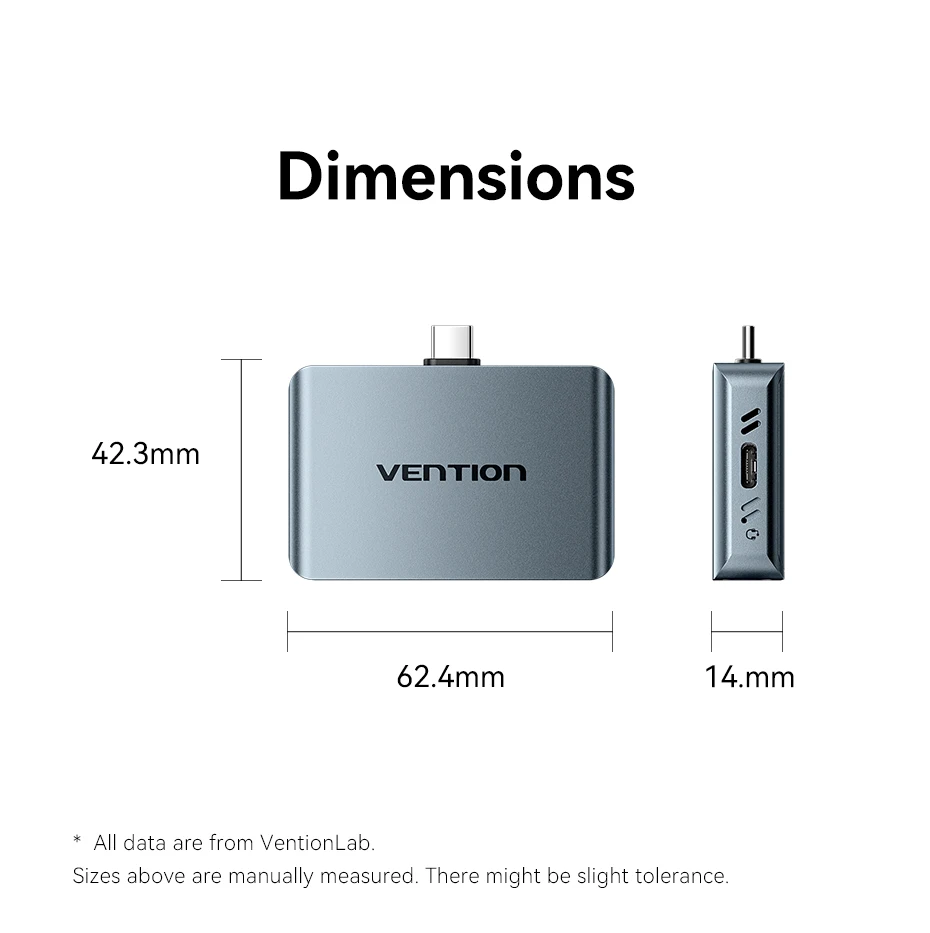
Dimensions
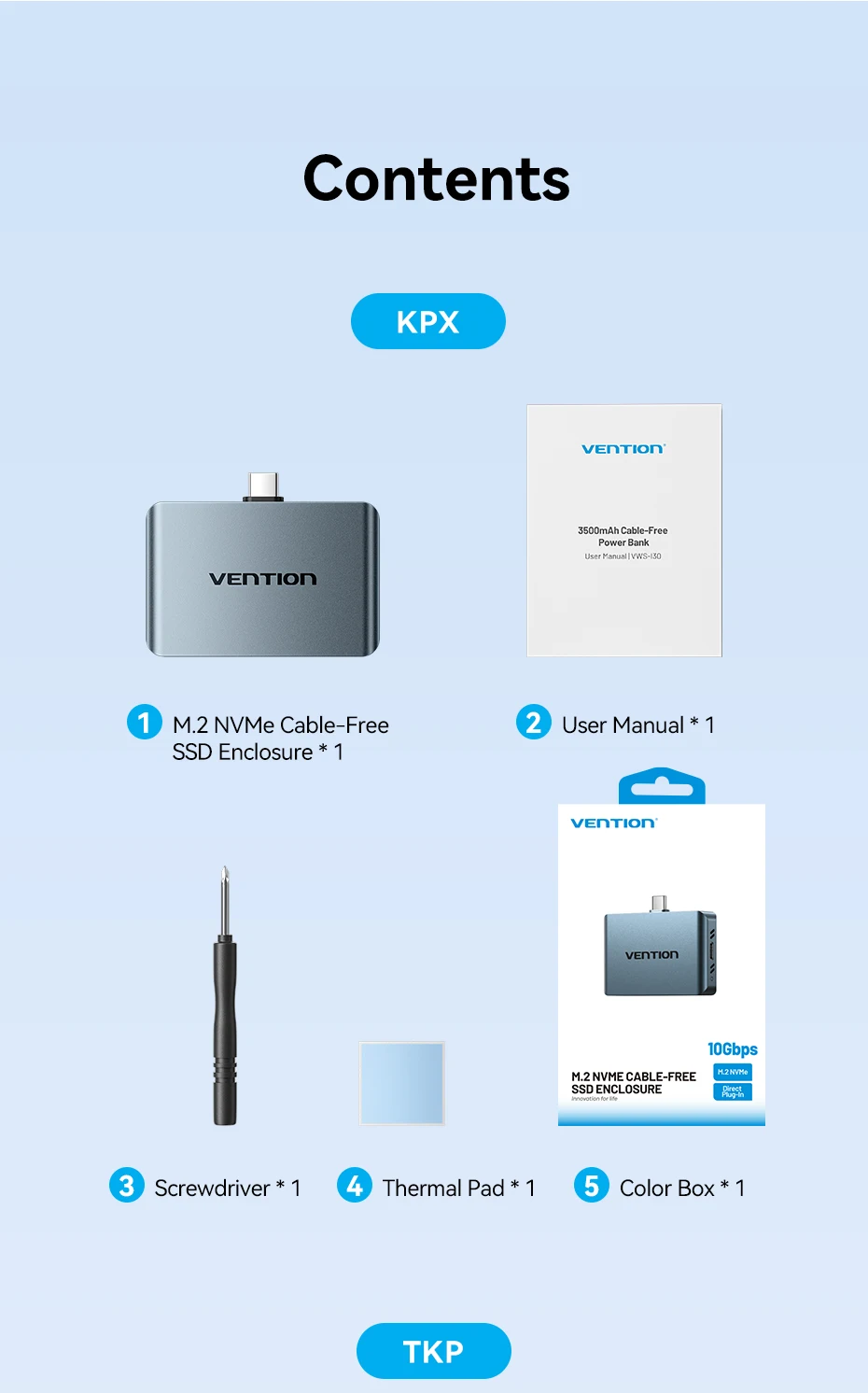
Contents









Reviews
There are no reviews yet.